

bettbutikk
Bestillinger
arrangementer
Popup
Lumo Accessibility Toolbar
fra
Light accessibility toolbar in 5 languages
Ingen anmeldelser enda
Gratisabonnement tilgjengelig

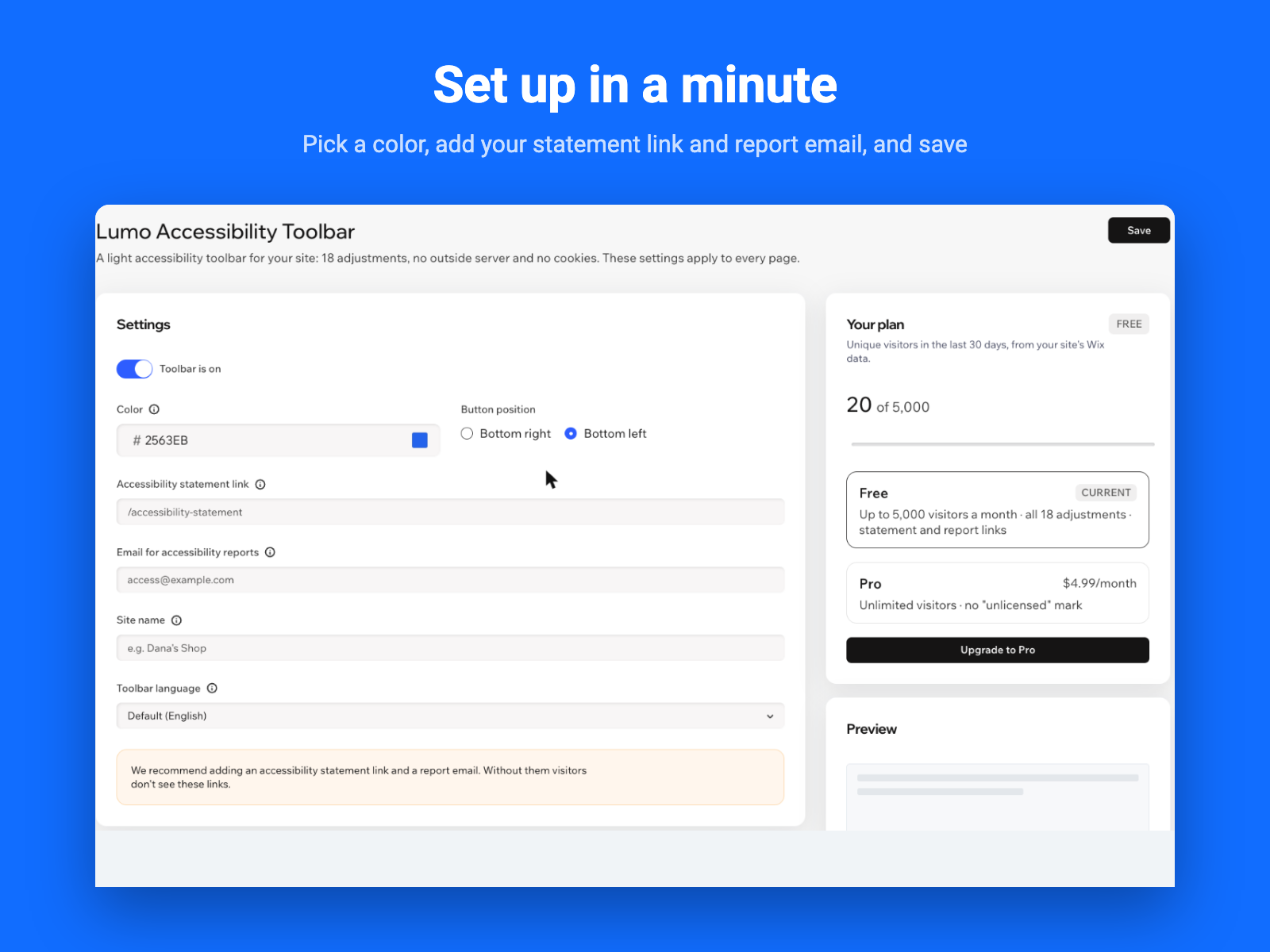
Lumo Accessibility Toolbar oversikt
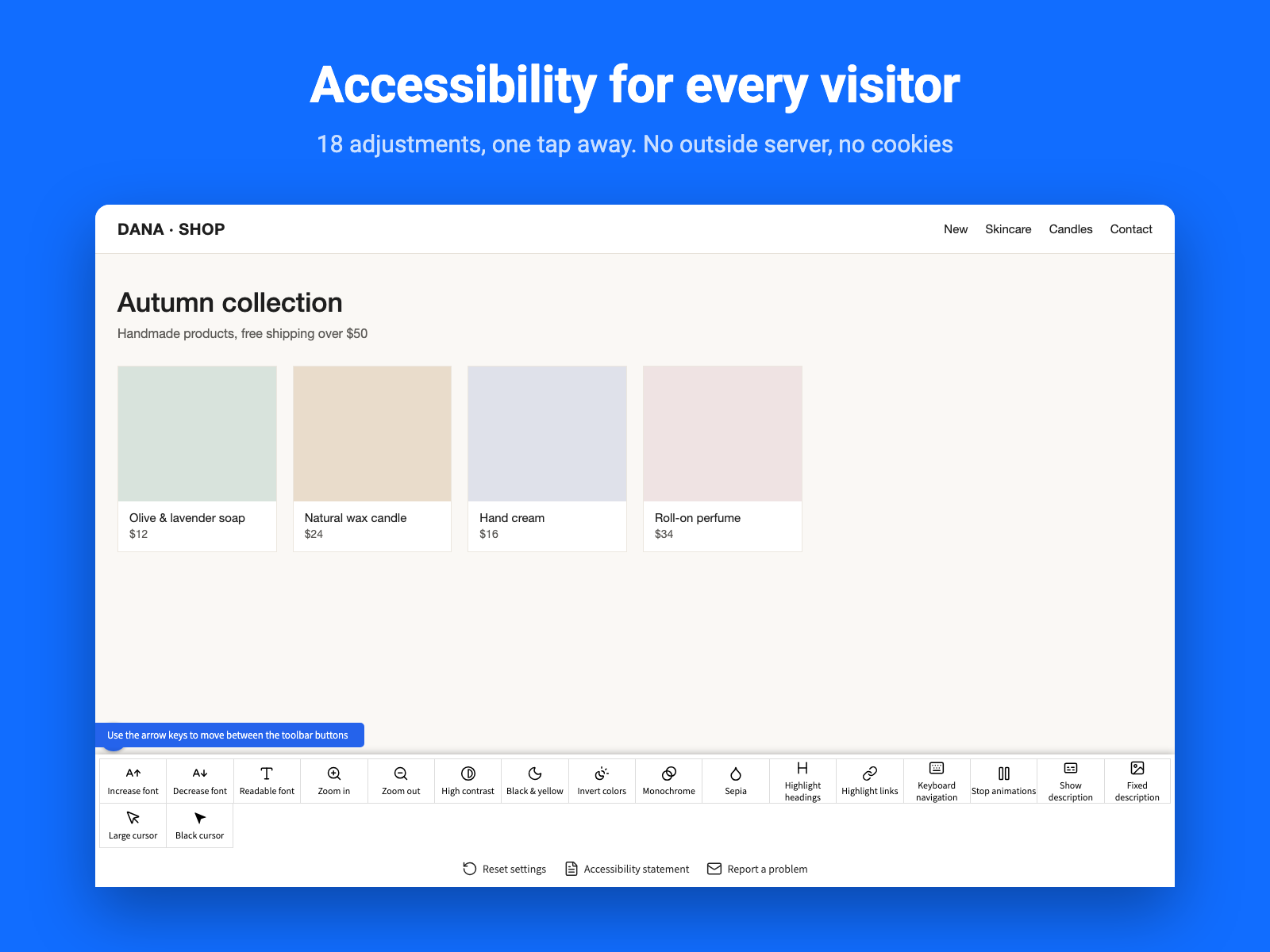
- 18 accessibility adjustments
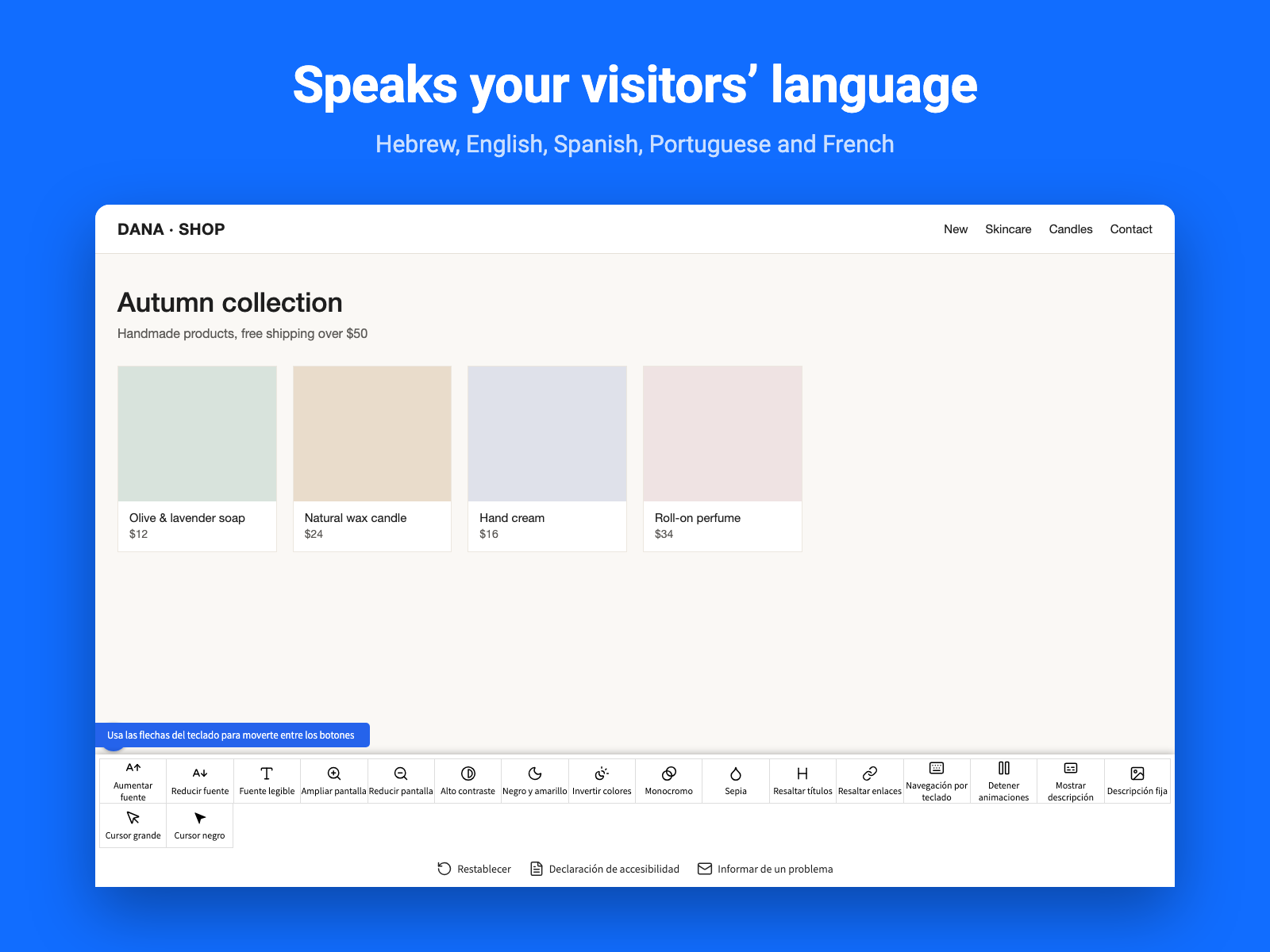
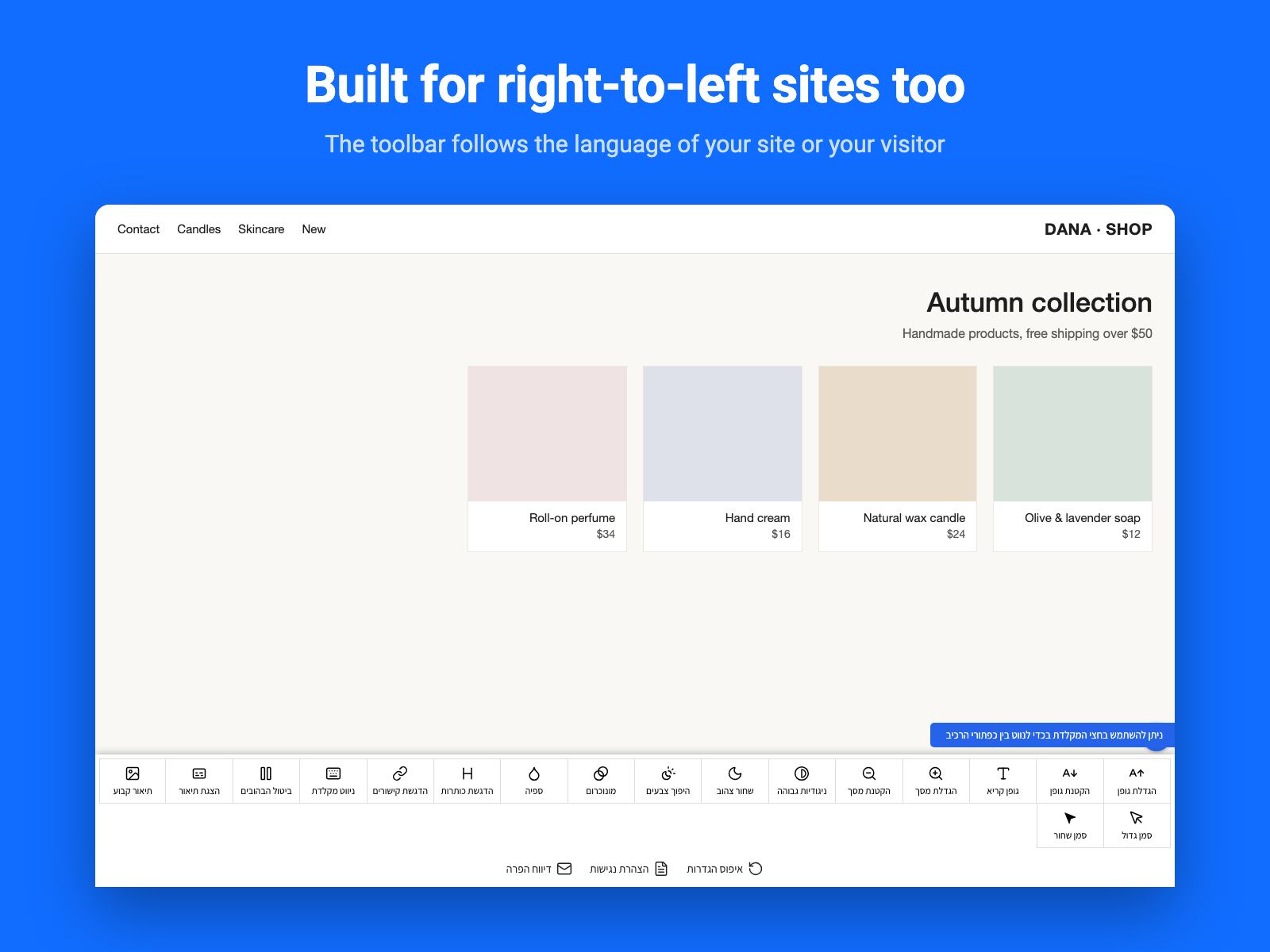
- Five languages, chosen by you
- No cookies, no outside server
- Statement and report links
Rangering og anmeldelser
Denne appen har ikke fått noen anmeldelser ennå, vær den første til å rangere den.Priser og pakker
Basic-pakke
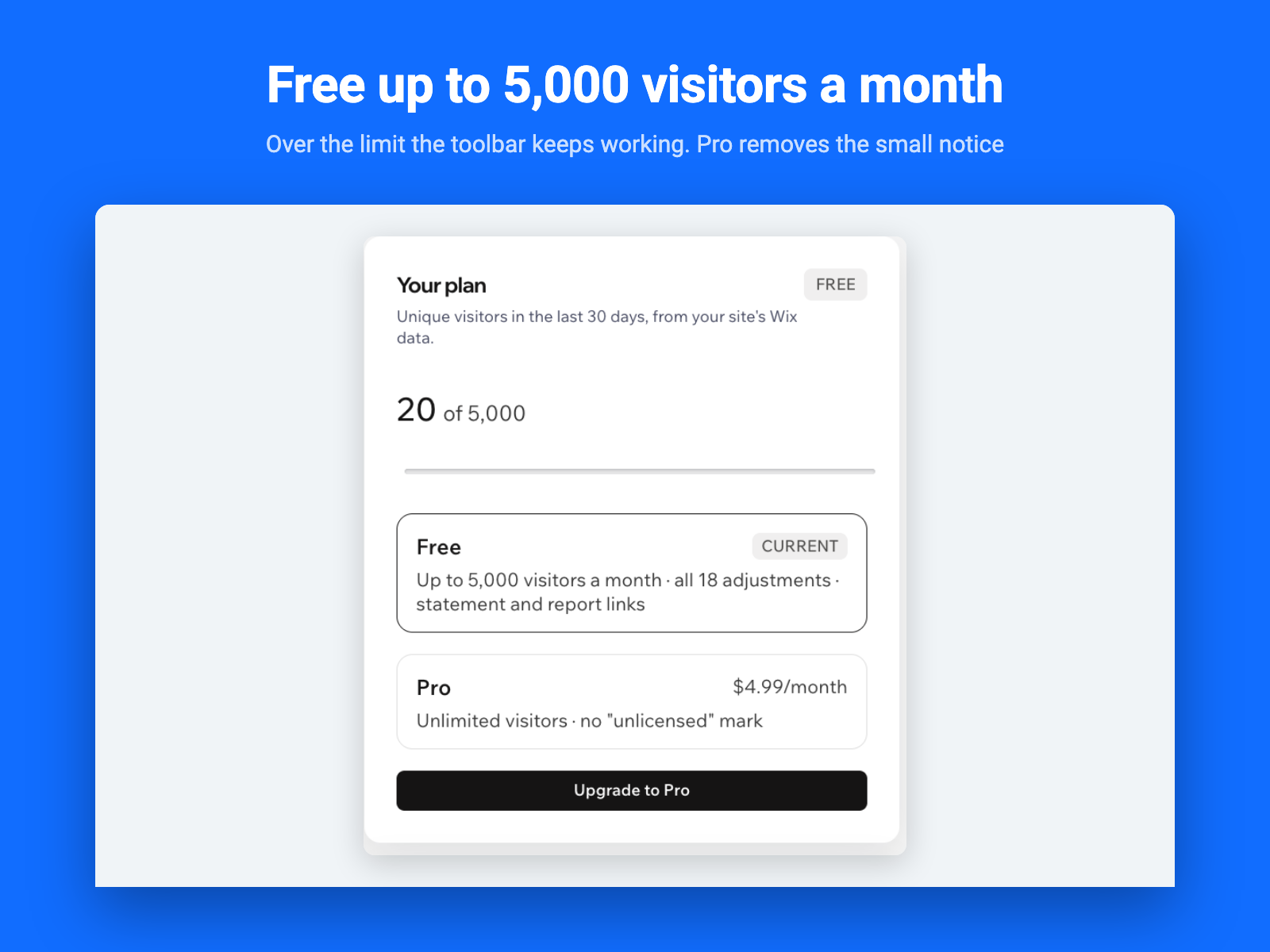
Gratis
Up to 5,000 unique visitors a month
All 18 accessibility adjustments
Statement and report links
Pro-pakke
$
4
08
/måned
Unlimited visitors
No "unlicensed" mark on the toolbar
All 18 accessibility adjustments
Statement and report links
* Prisen er i USD.