

bettbutikk
Bestillinger
arrangementer
Popup

Verifisert av Wix
WhatsApp Button
fra
Turn visitors into WhatsApp conversations
Ingen anmeldelser enda
Fra $ 1,10 / måned$ 2.20

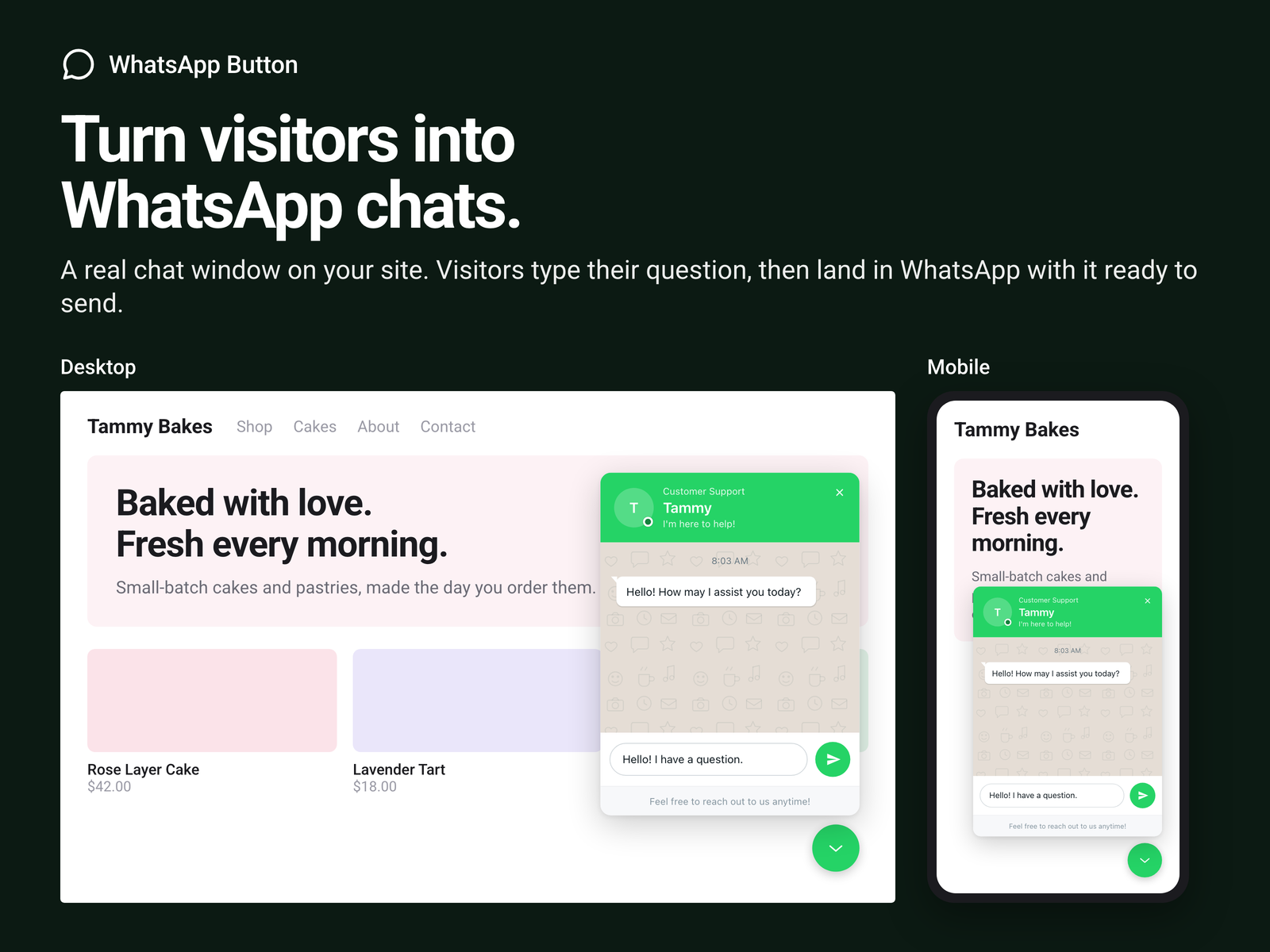
WhatsApp Button oversikt
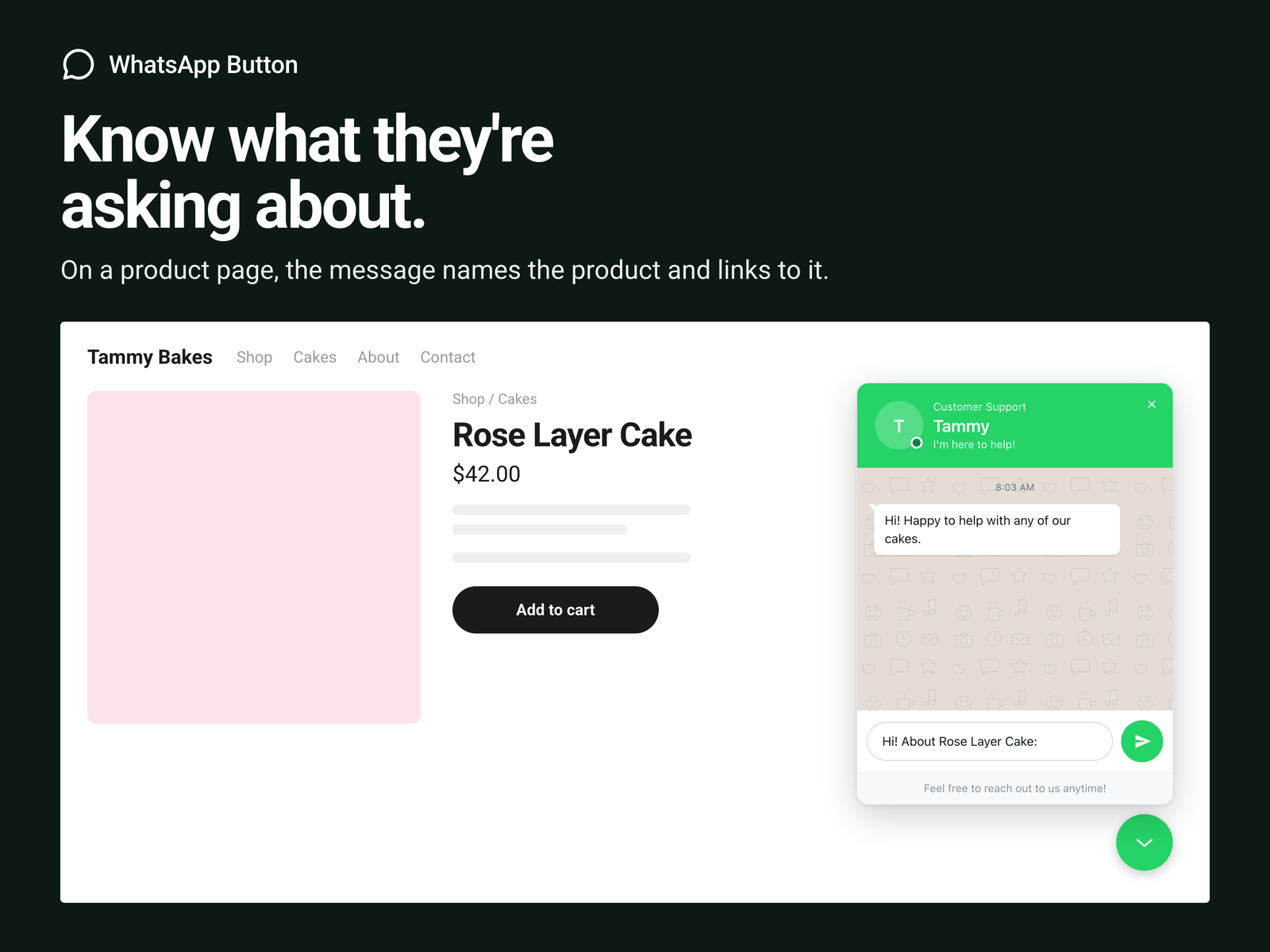
- Messages that name the product a visitor asks about
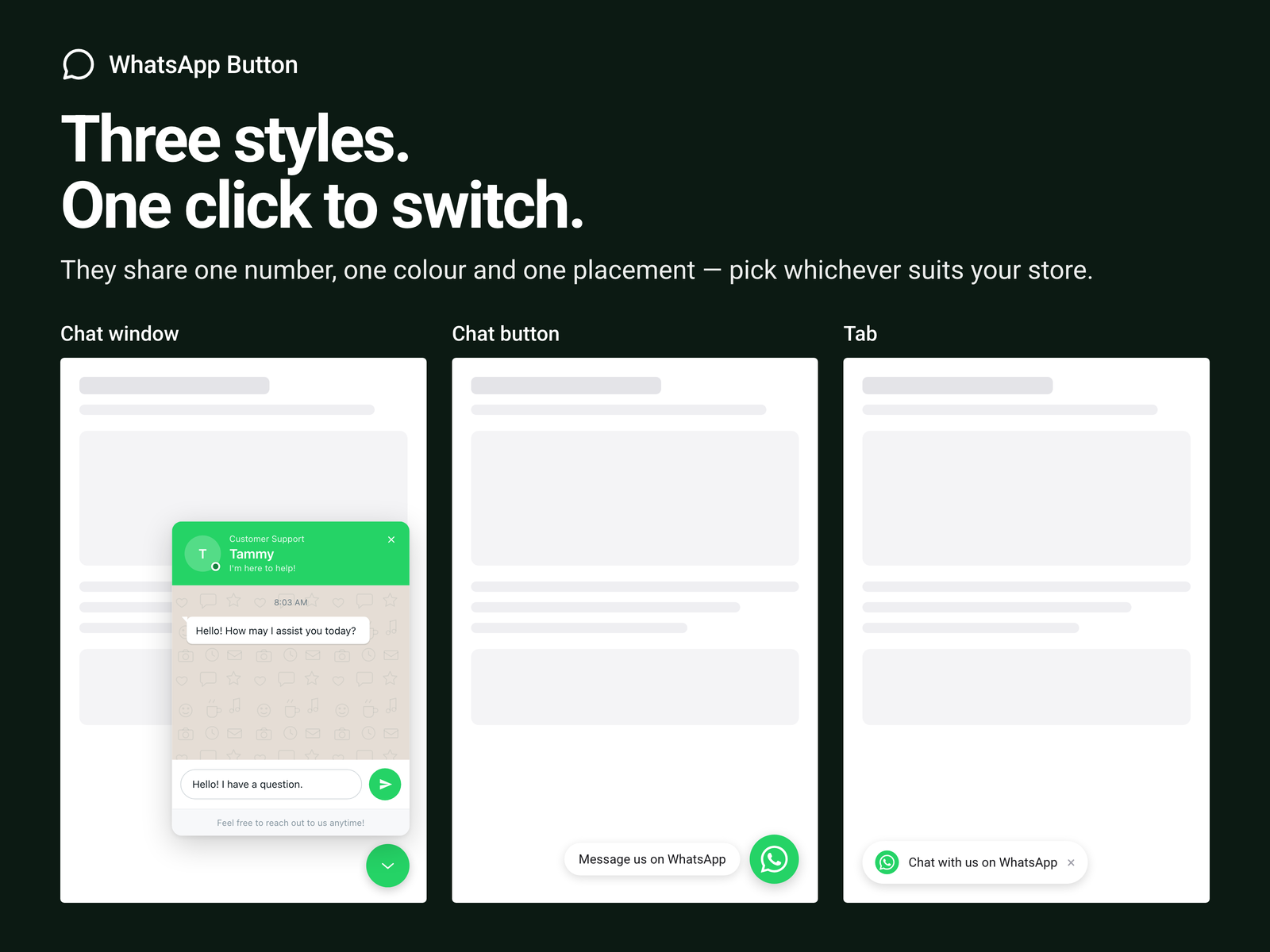
- Chat Window, Tab Button or floating Chat Button
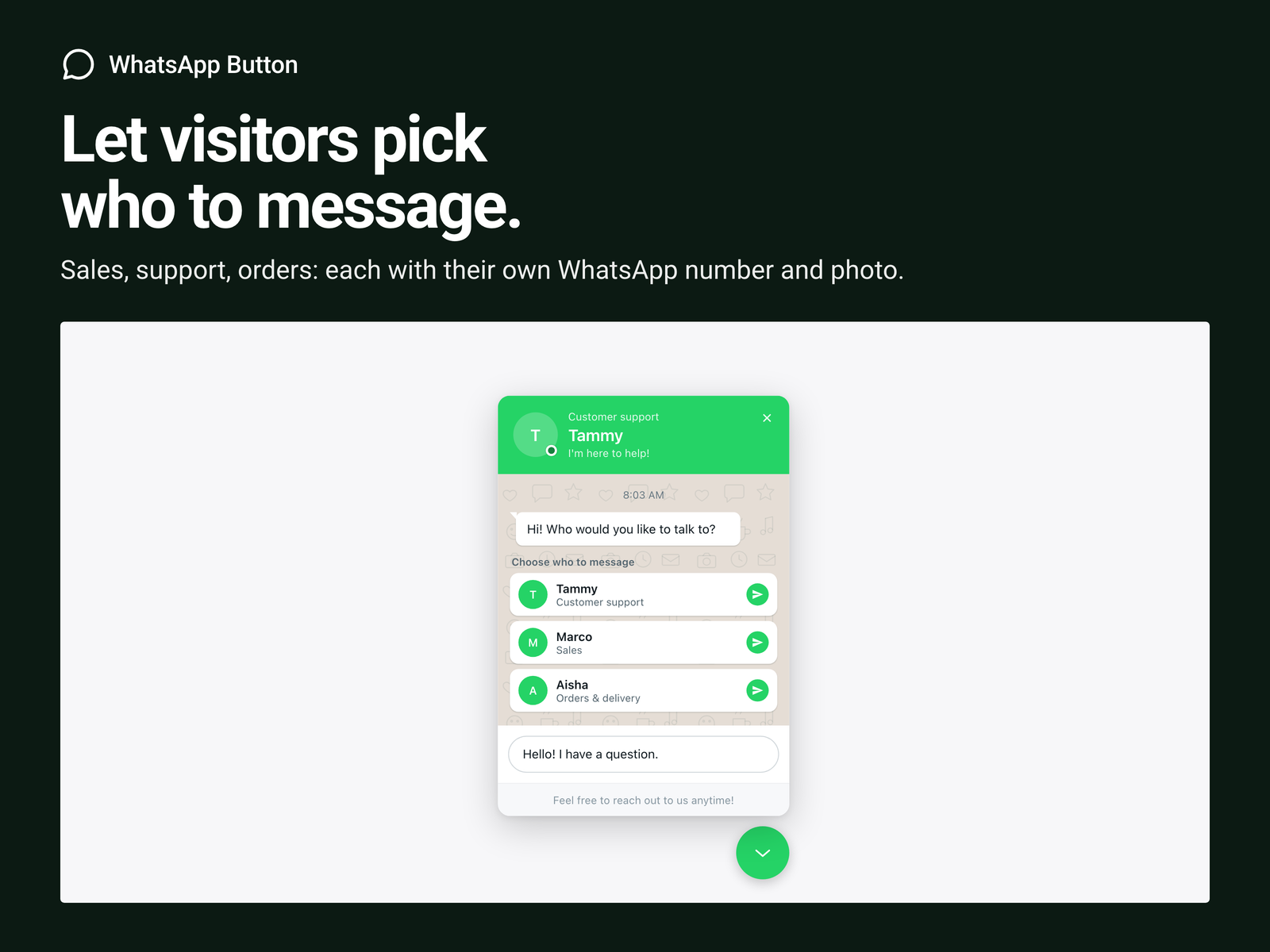
- Team: Sales, Support and more, each with own number
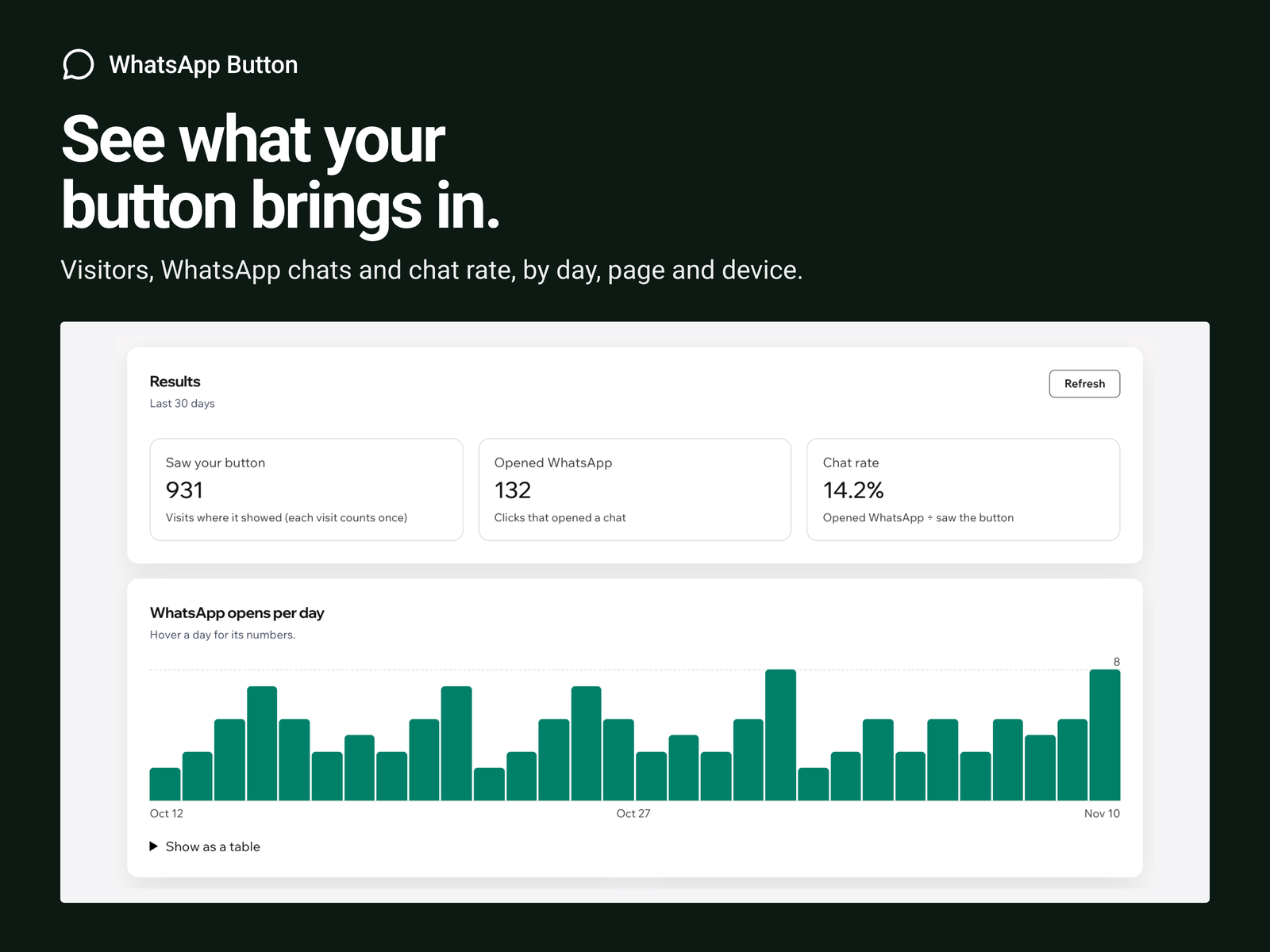
- Results: chats by day, page and device
Rangering og anmeldelser
Denne appen har ikke fått noen anmeldelser ennå, vær den første til å rangere den.Priser og pakker
Premium-pakke
$
1
10
/måned
$220
Chat window, slide-in tab or floating
Product name and page link in messages
Team members
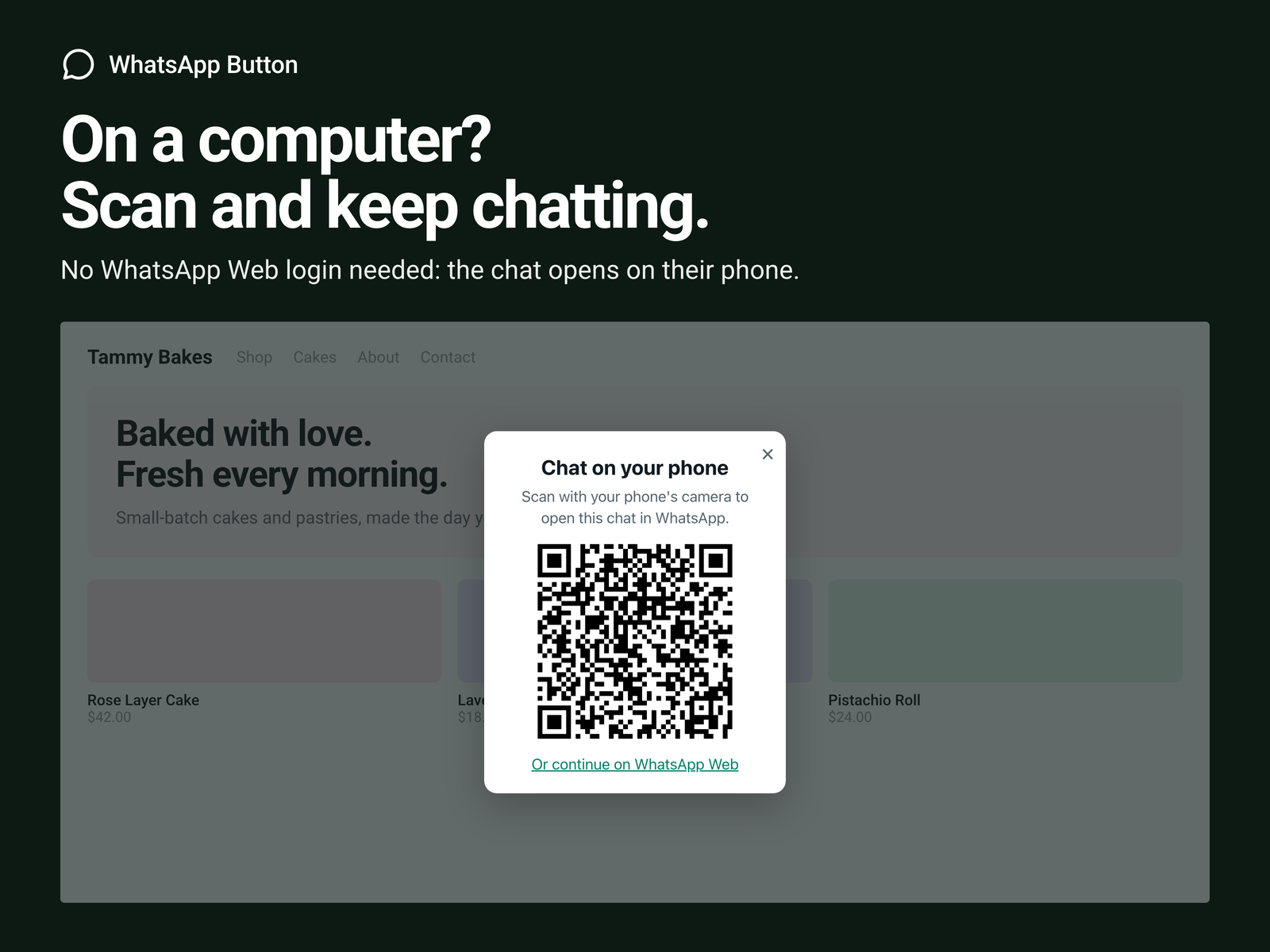
Desktop QR, page rules, hours, results
* Prisen er i USD.