

bettbutikk
Bestillinger
arrangementer
Popup

Calendly Scheduling & Booking
fra
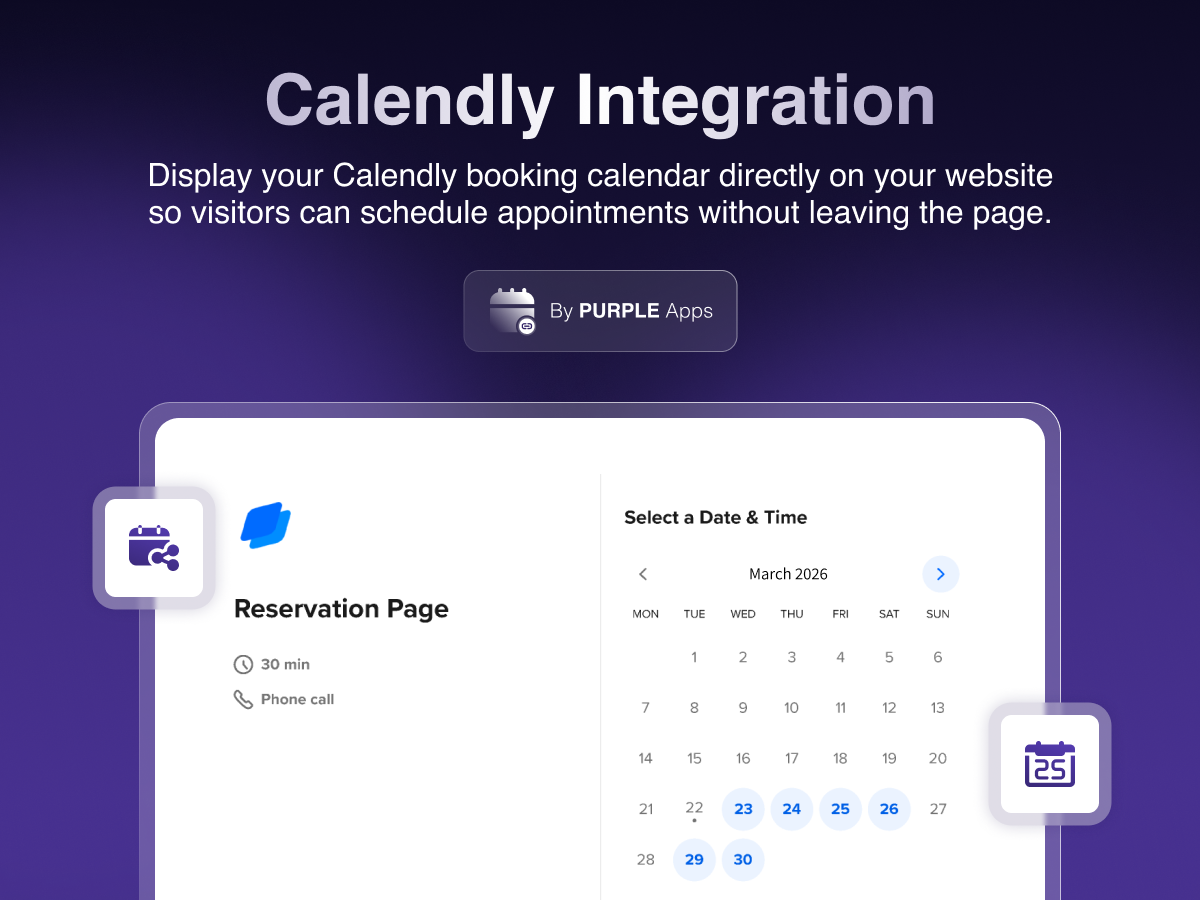
Embed Calendly Scheduling & booking on your site
Ingen anmeldelser enda
Gratisabonnement tilgjengelig

Calendly Scheduling & Booking oversikt
- Add a live Calendly booking widget directly to any page on your site
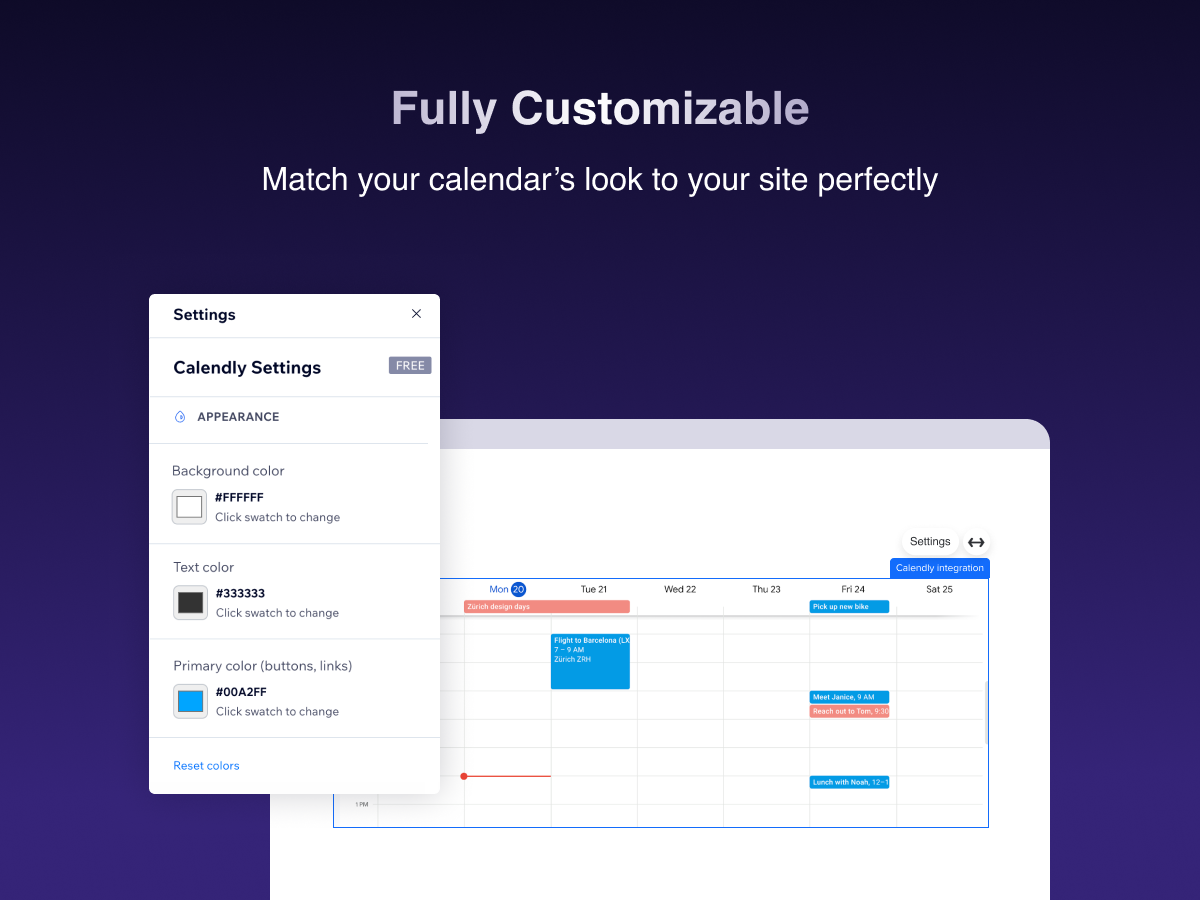
- Customize background, text, and accent colors to match your site's design
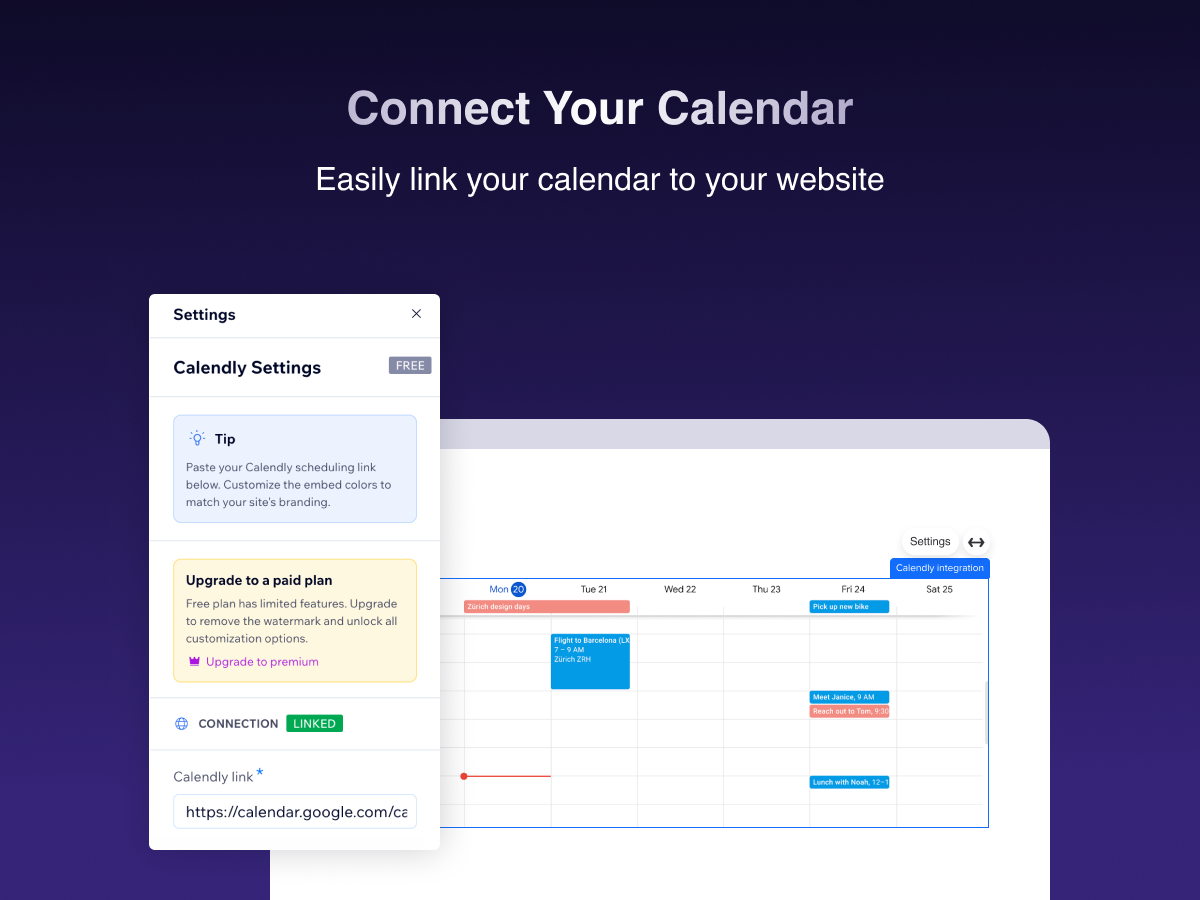
- Simply paste your Calendly link in the settings panel — no coding required
- Enjoy prefilled data for smooth booking process for free
Kategorier
Tilgjengelighet:
Denne appen er tilgjengelig over hele verden.Appspråk:
engelsk,
dansk,
fransk,
italiensk,
japansk,
kinesisk,
koreansk,
nederlandsk,
polsk,
portugisisk,
russisk,
spansk,
thai,
tyrkisk,
tysk,
ukrainsk
Fremhevet i
Rangering og anmeldelser
Denne appen har ikke fått noen anmeldelser ennå, vær den første til å rangere den.Priser og pakker
Basic-pakke
Gratis
Calendly embed widget
Basic color customization
UTM Parameter for campaigns
Purple Watermark
Premium-pakke
$
3
49
/måned
No watermark
Auto prefilled data
Data Analytics dashboard
Priority support
* Prisen er i USD.