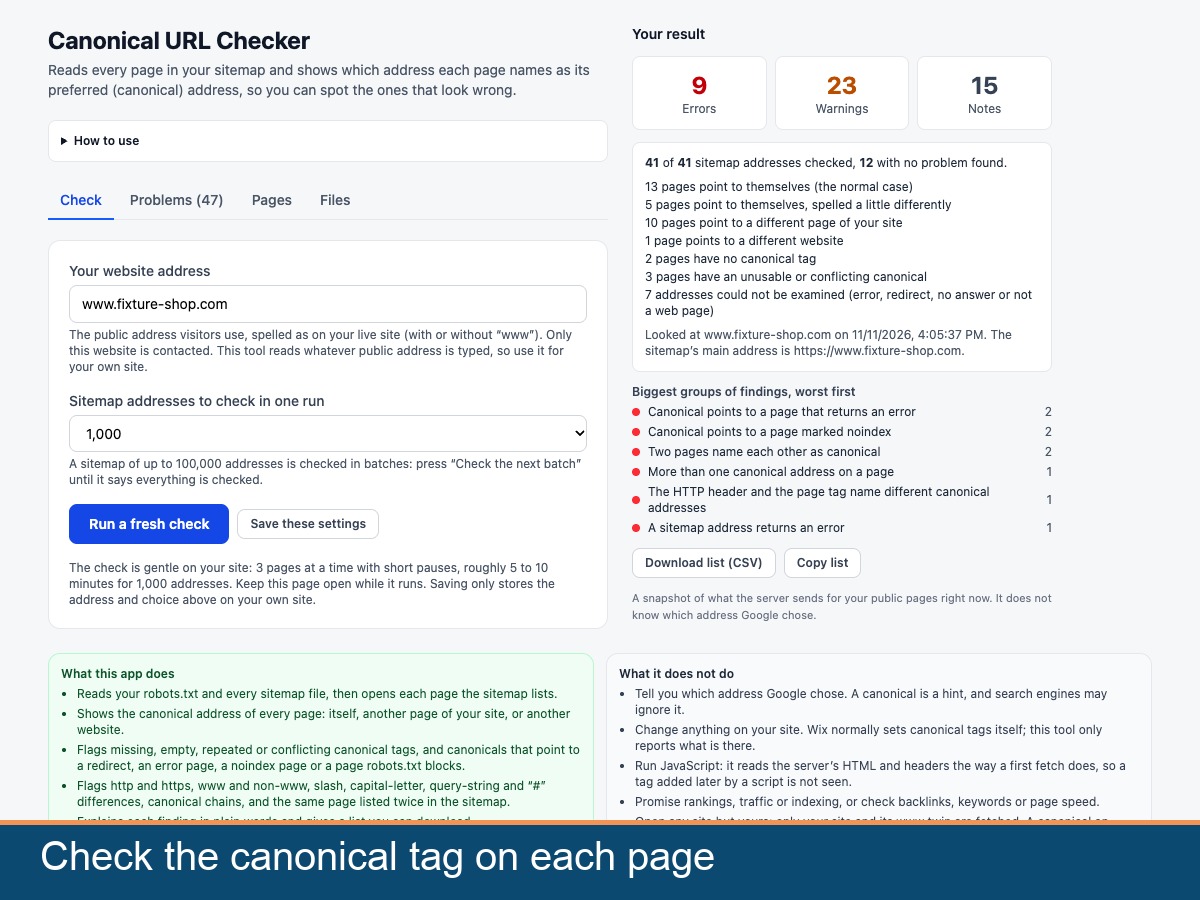
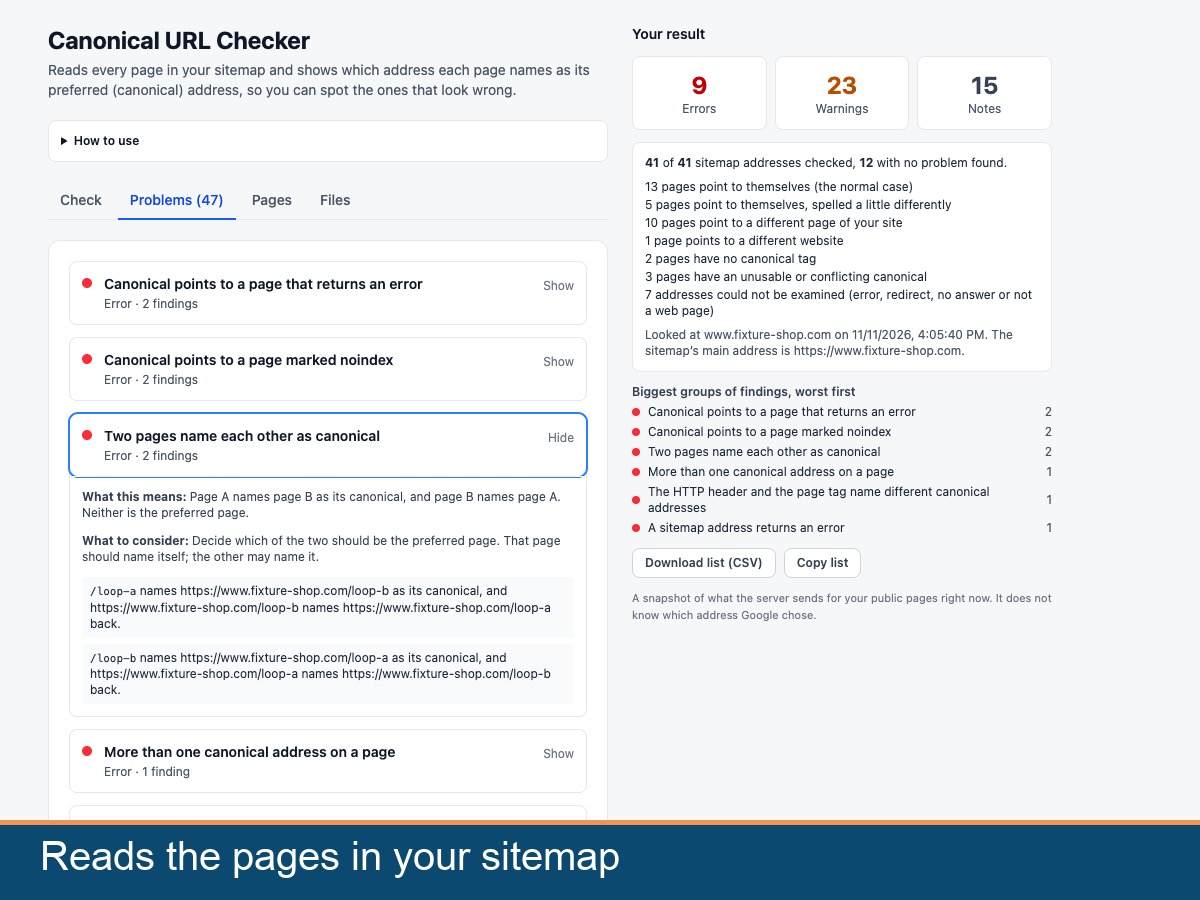
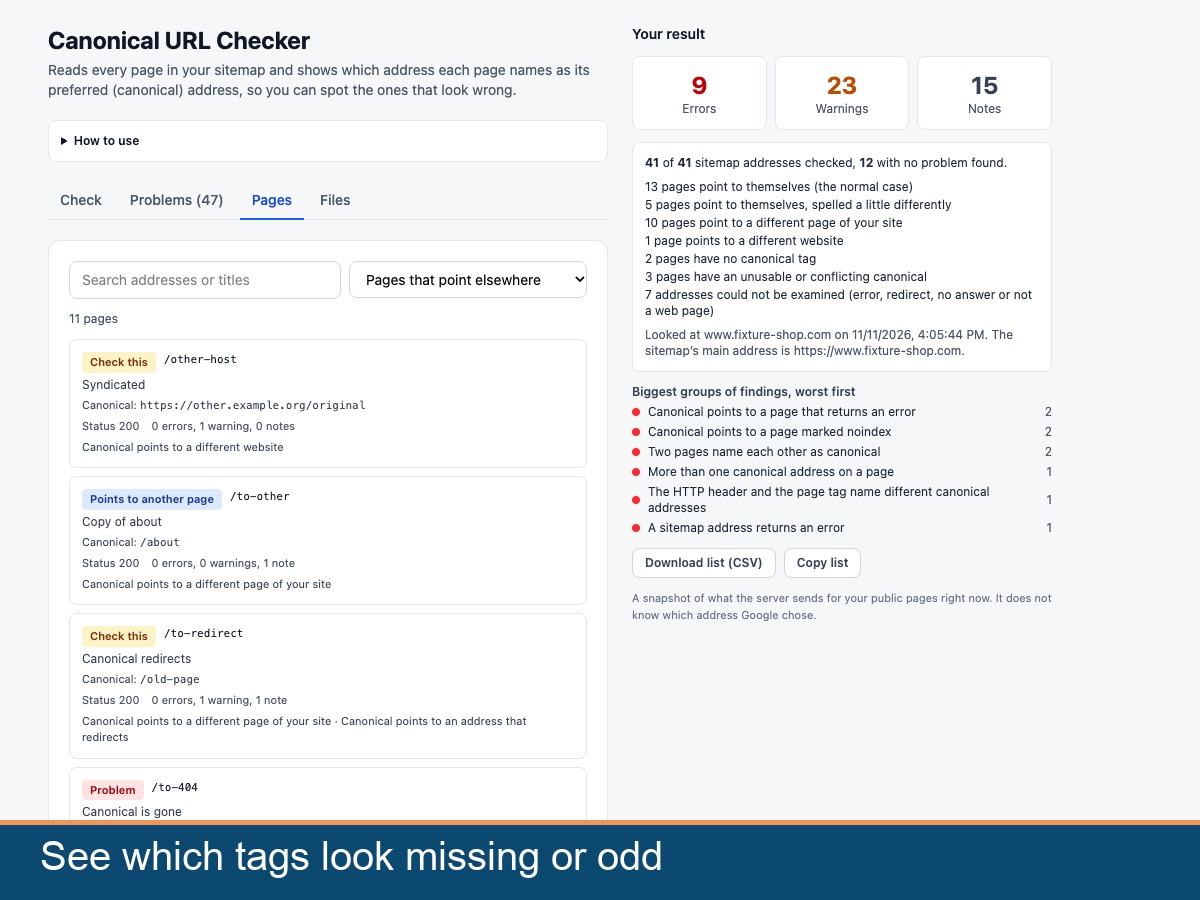
Canonical URL Checker reads the pages in your sitemap and shows which address each page names as its preferred, or canonical, address. For every page you see whether the canonical tag is missing, empty or repeated, and whether it points to the page itself, to another page of your site or to a different website. It flags canonical addresses that redirect, return an error, are marked noindex or are blocked by robots.txt, canonical chains, and differences in http and https, www, trailing slashes, capital letters, query strings and fragments. It also finds the same page listed more than once in the sitemap. You get a summary with the biggest groups first, a plain line for each finding on what it means and what to consider, and a CSV list to download. The app reads what your server sends, the way a first visit does. Your site builder normally sets canonical tags itself, so this app only reports and changes nothing. Search engines treat a canonical as a hint and may ignore it, and the app cannot tell which address a search engine chose. It promises no rankings or traffic and does not run scripts. Only your own site is opened. The last result stays in your browser tab only.