

bettbutikk
Bestillinger
arrangementer
Popup
Before After Slider
fra
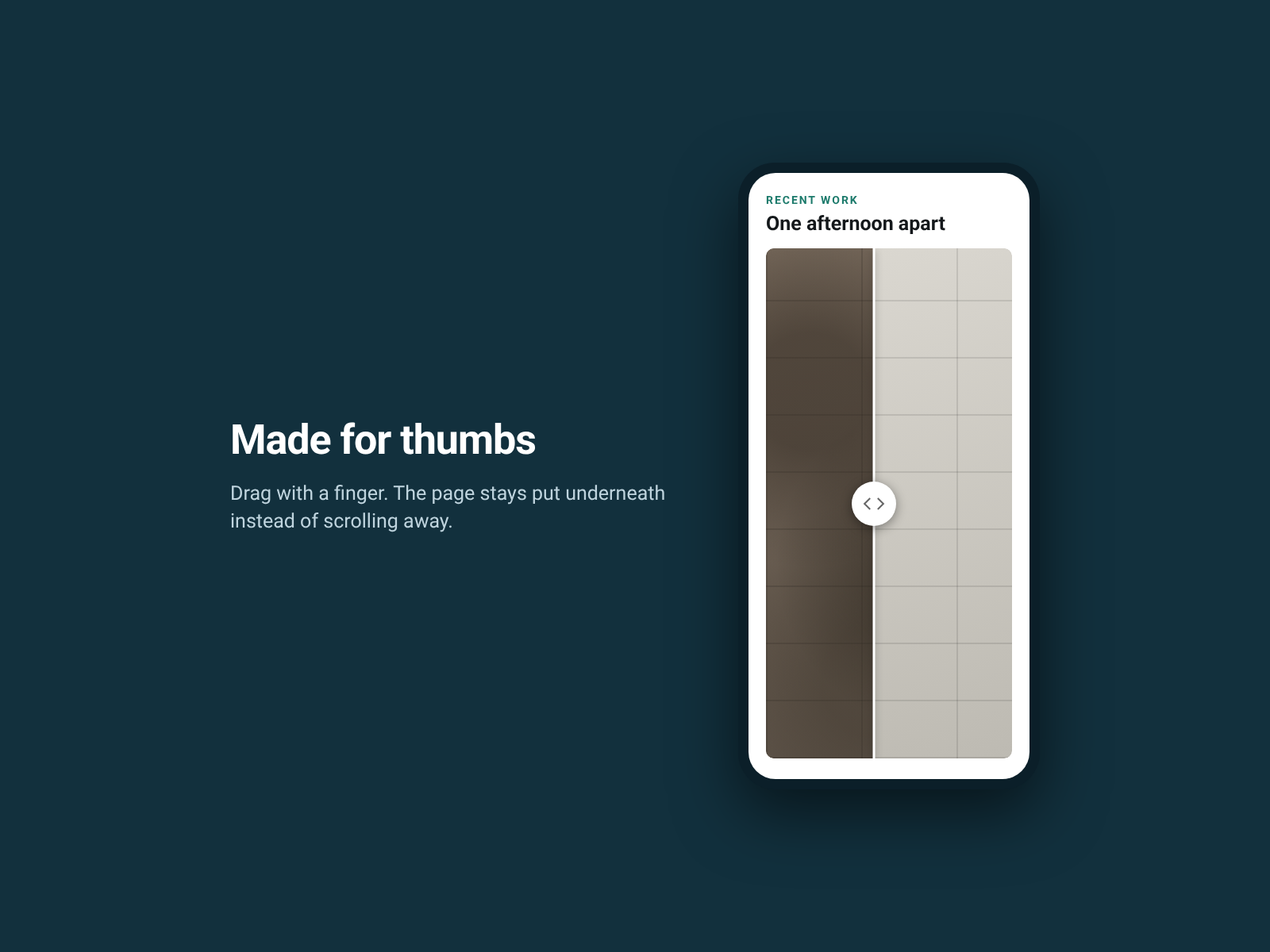
Drag one photo across another to see the change
Ingen anmeldelser enda
Gratisabonnement tilgjengelig

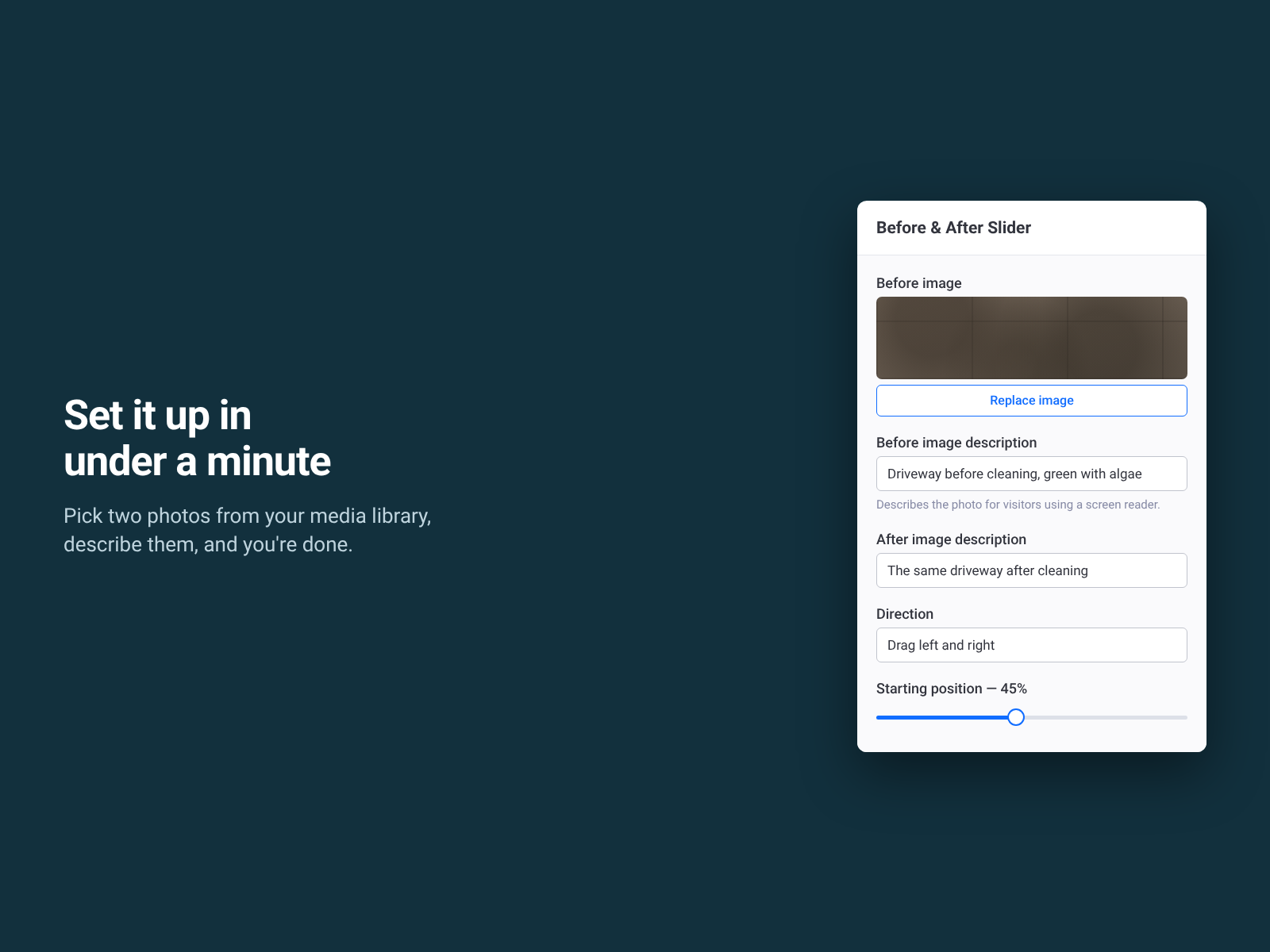
Before After Slider oversikt
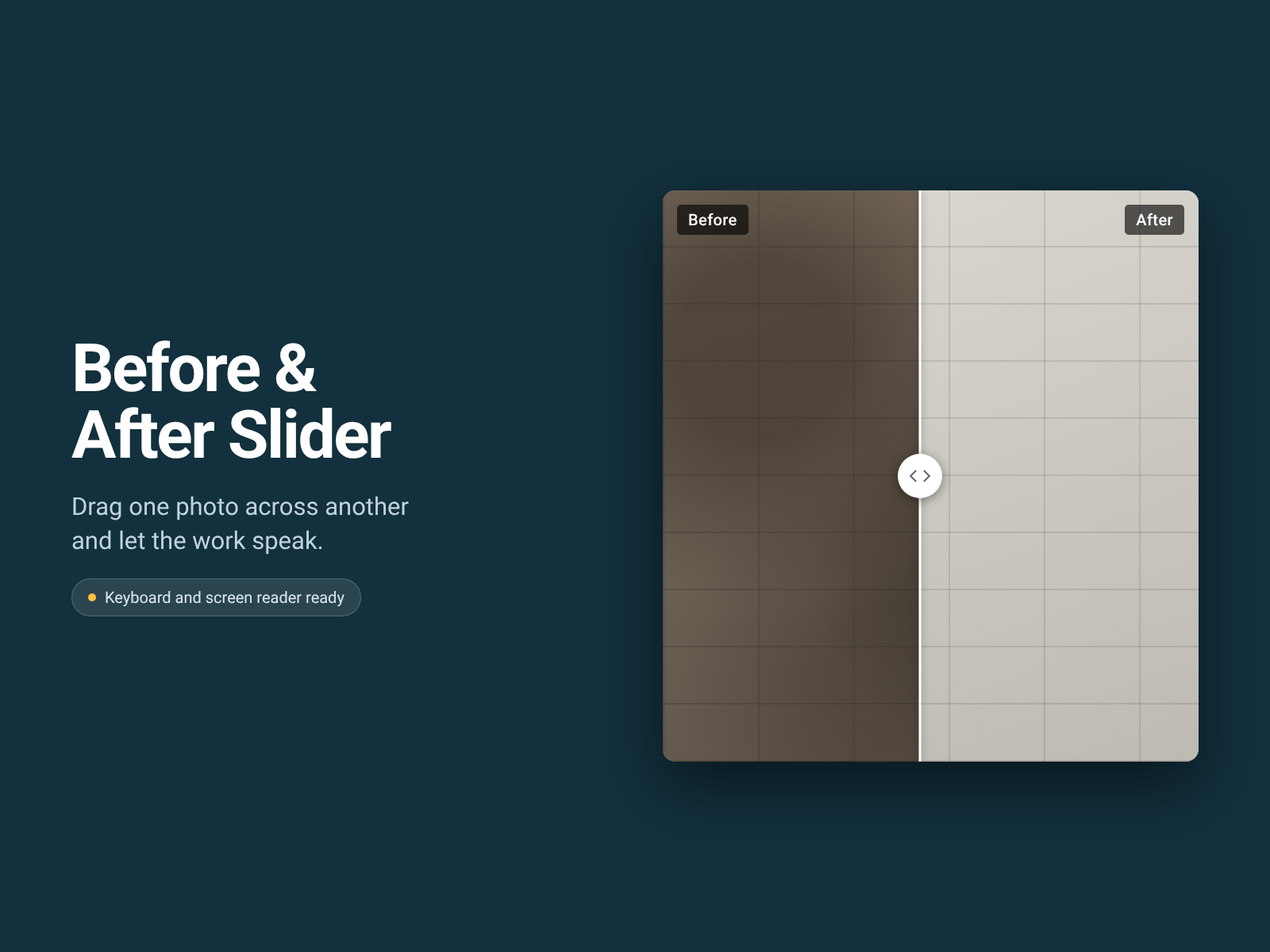
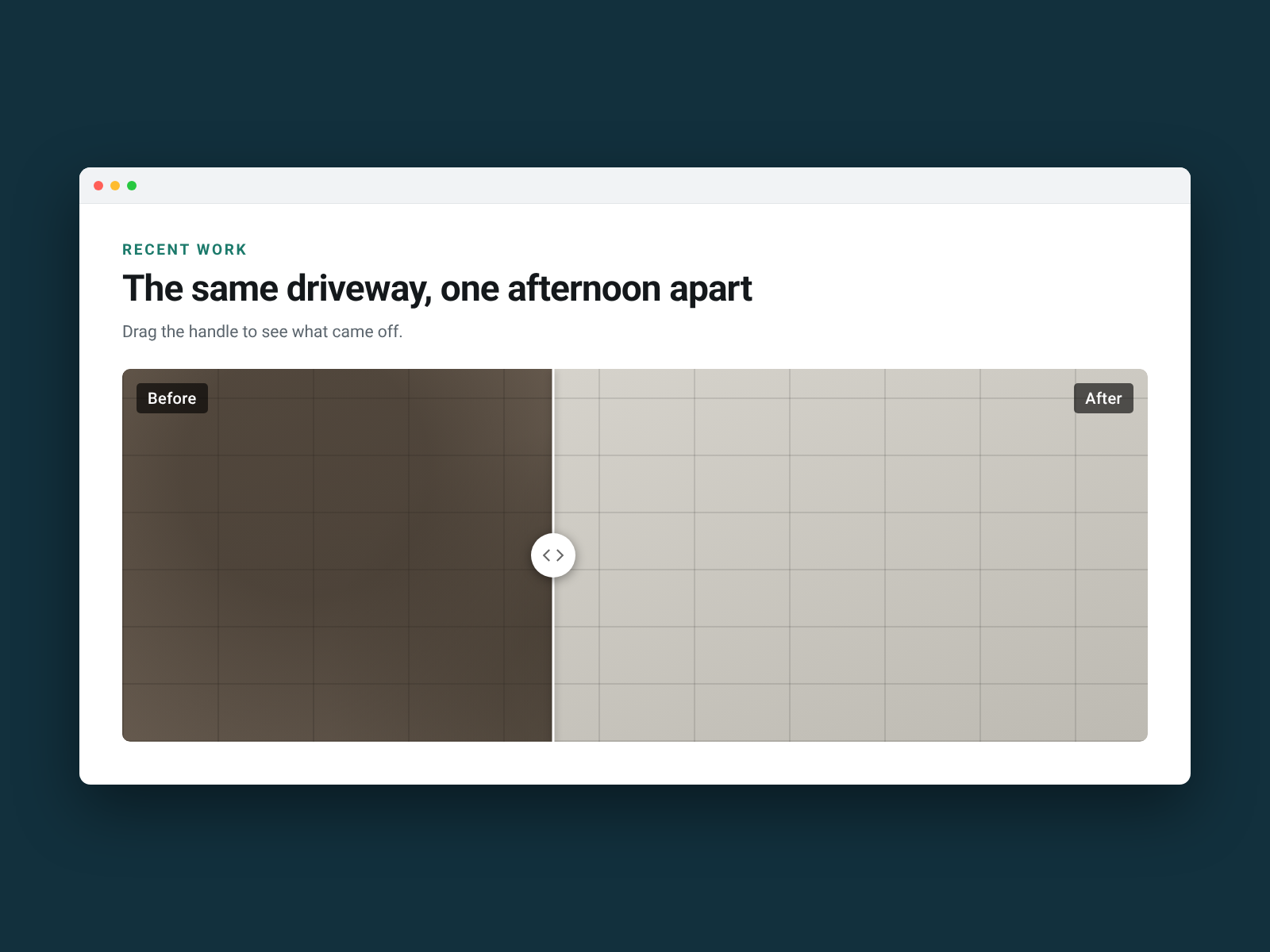
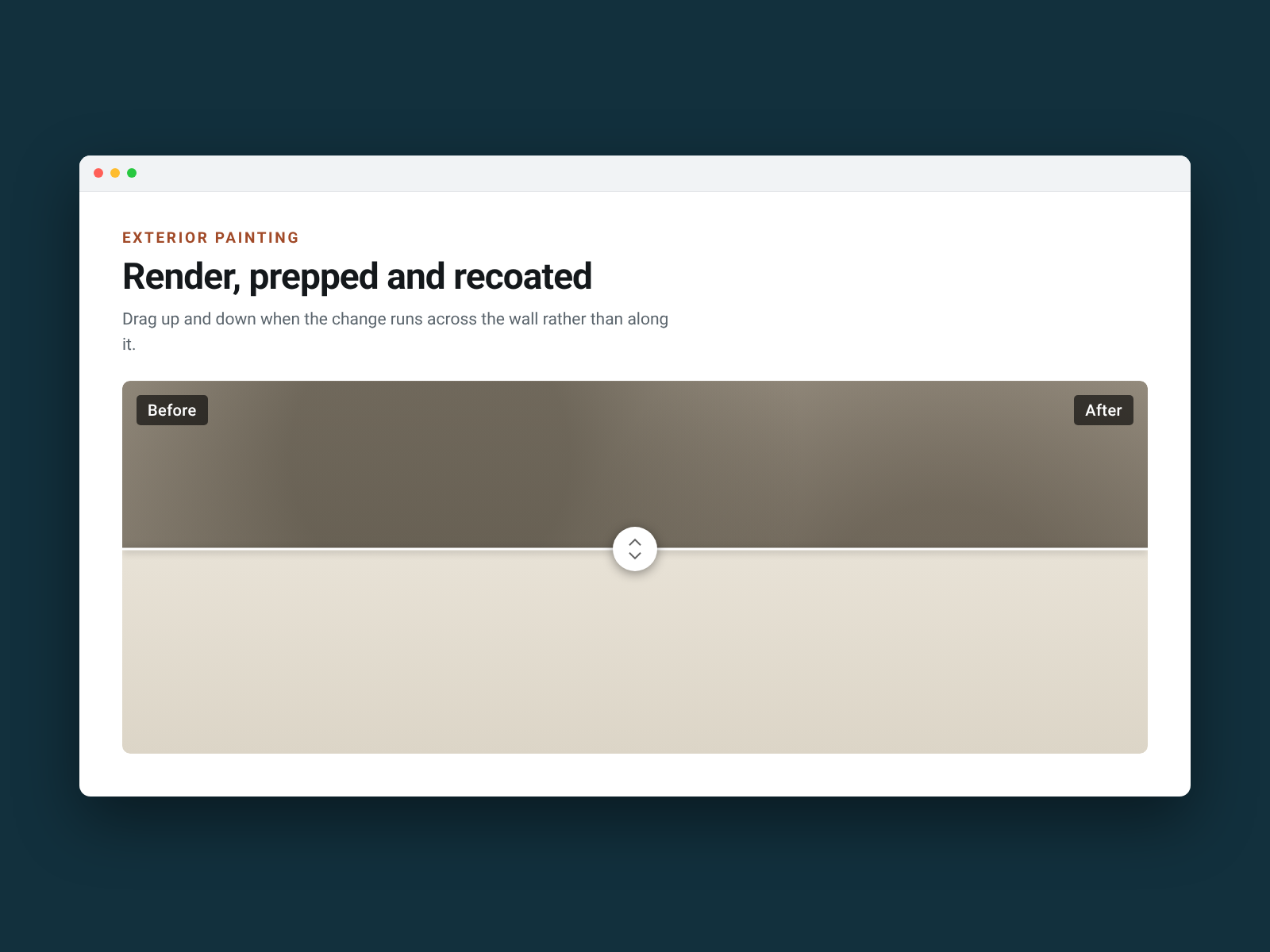
- Drag to reveal — two photos in one frame, at the same size, so the change is obvious
- Pick straight from your media library — no uploading twice, no pasting links
- Works on phones — drag with a finger, and the page doesn't scroll underneath
- Keyboard and screen reader ready — arrow keys move the handle, and both photos carry descriptions
Tilgjengelighet:
Denne appen er tilgjengelig over hele verden.Appspråk:
engelsk,
fransk,
italiensk,
japansk,
koreansk,
nederlandsk,
polsk,
portugisisk,
russisk,
spansk,
tyrkisk,
tysk
Fremhevet i
Nyeste apper
Rangering og anmeldelser
Denne appen har ikke fått noen anmeldelser ennå, vær den første til å rangere den.Priser og pakker
Basic-pakke
Gratis
One before and after slider per page
Every colour, label and handle style
Both drag directions and full screen reader text
Permanent, and it never expires
Pro-pakke
$
4
08
/måned
Unlimited sliders on every page
Drag left-right or up-down
Your colours, captions and start position
Free plan: one full slider per page
* Prisen er i USD.