

bettbutikk
Bestillinger
arrangementer
Popup

Save Contact: vCard & QR Code
fra
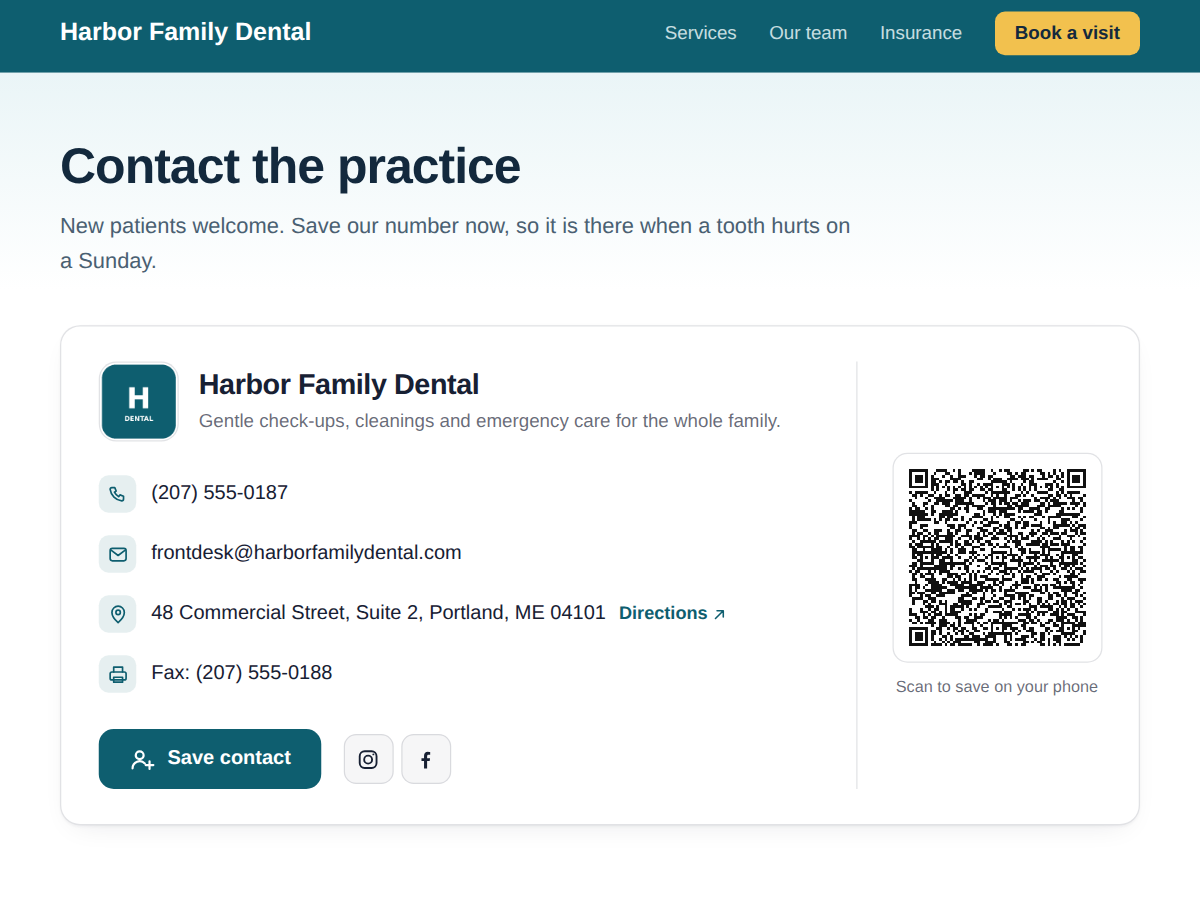
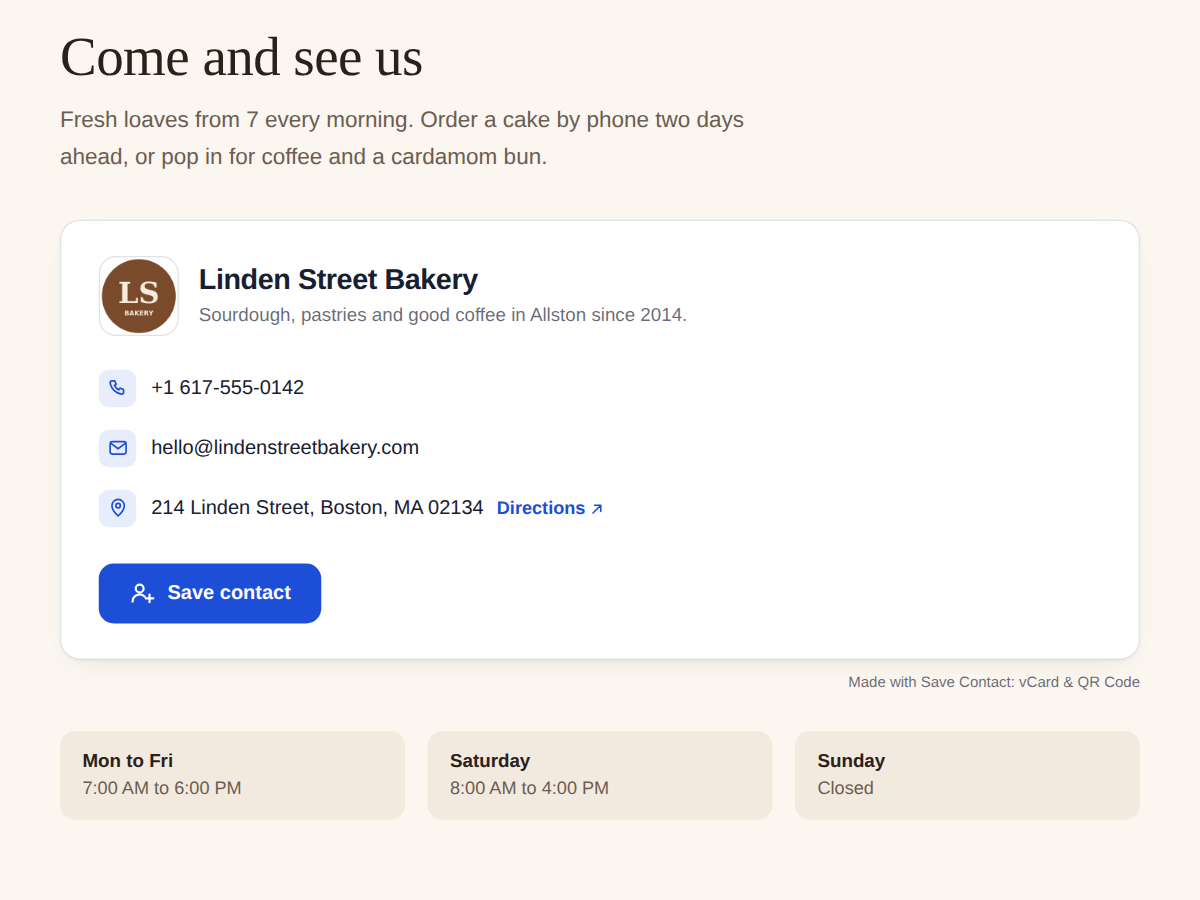
vCard contact card with tap to call and QR code
Ingen anmeldelser enda
Gratisabonnement tilgjengelig

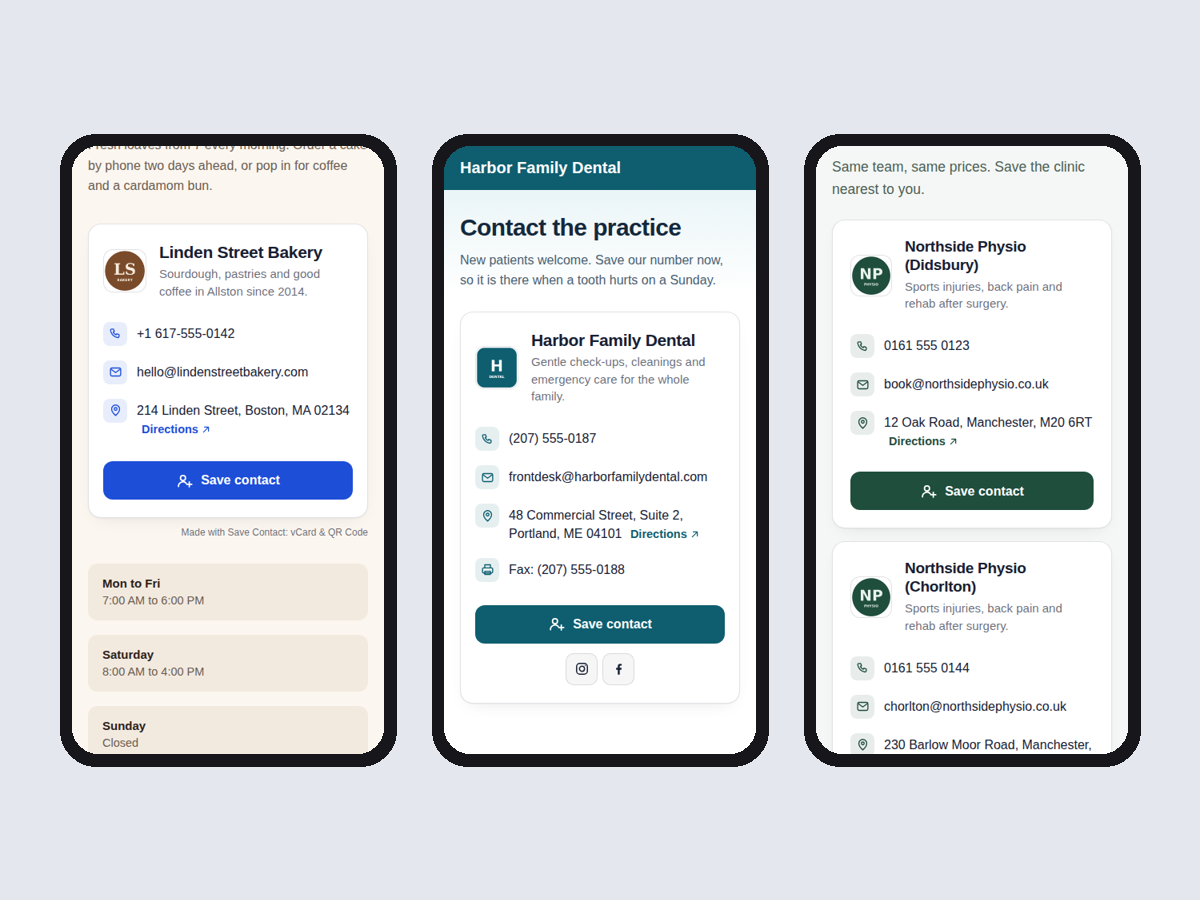
Save Contact: vCard & QR Code oversikt
- Phone, email, address from your Business Info
- One tap saves you in the visitor's contacts
- Tap to call, email and map directions
- QR code for flyers, social links (Premium)
Rangering og anmeldelser
Denne appen har ikke fått noen anmeldelser ennå, vær den første til å rangere den.Priser og pakker
Basic-pakke
Gratis
Card from your Business Info
Save contact button (vCard file)
Tap to call, email and directions
Small credit link
Premium-pakke
$
3
20
/måned
QR code for flyers and cards
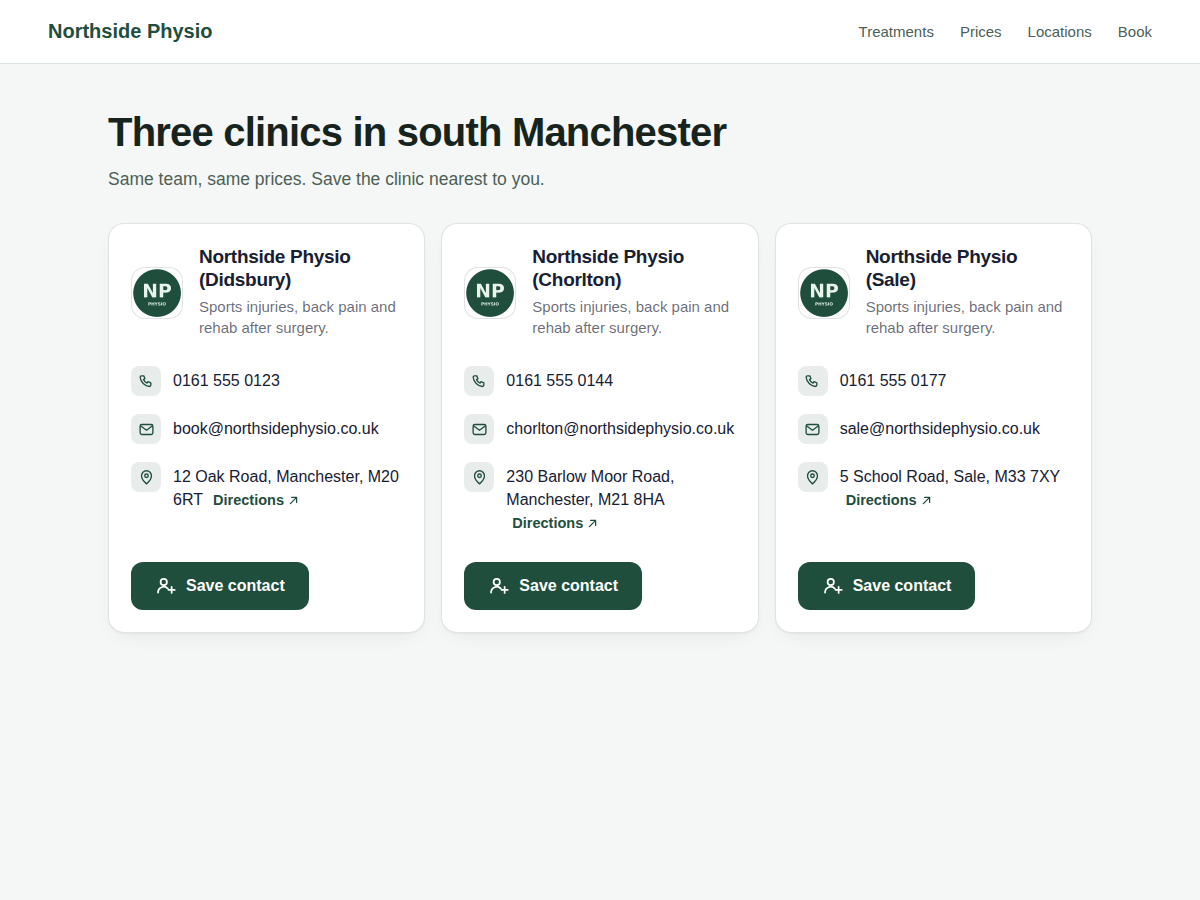
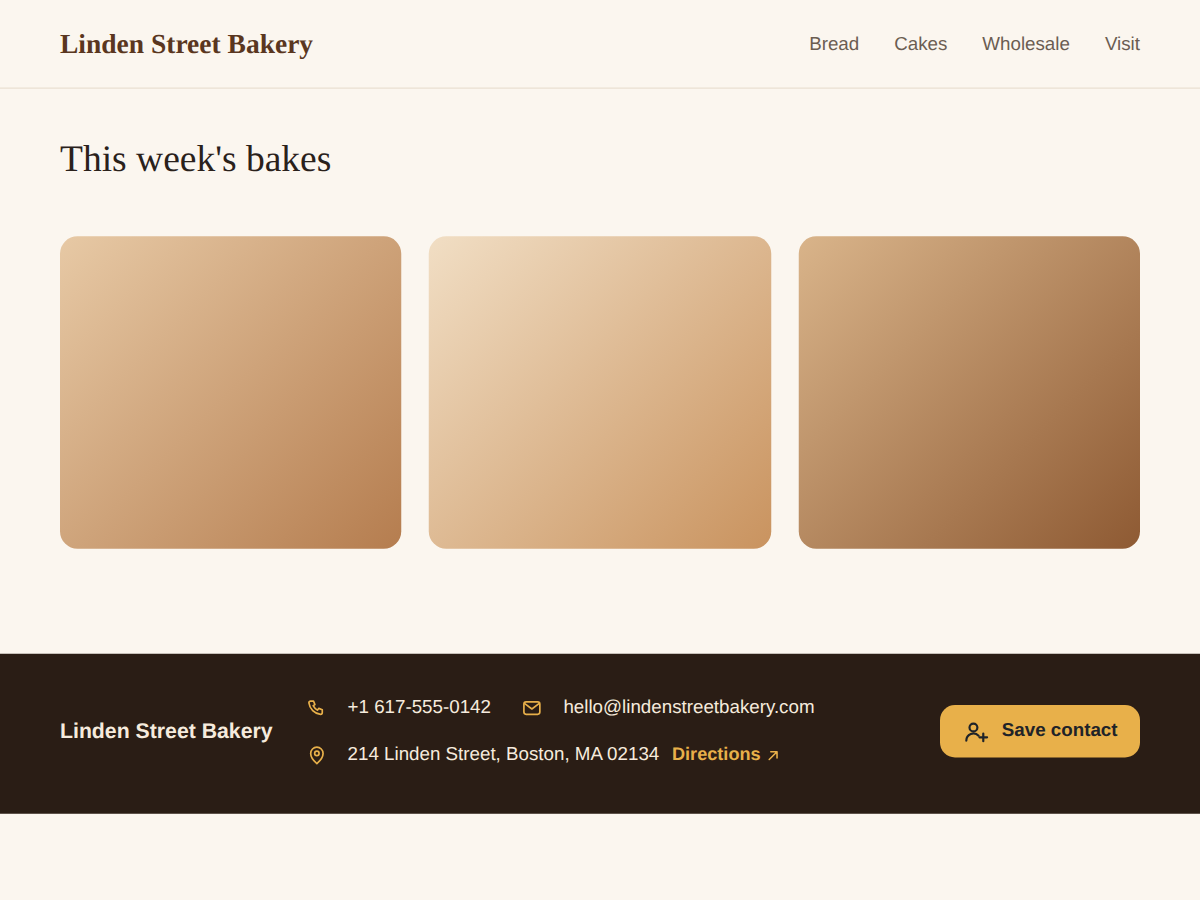
All locations, strip + button layouts
Social links and your own wording
Remove the credit link
* Prisen er i USD.