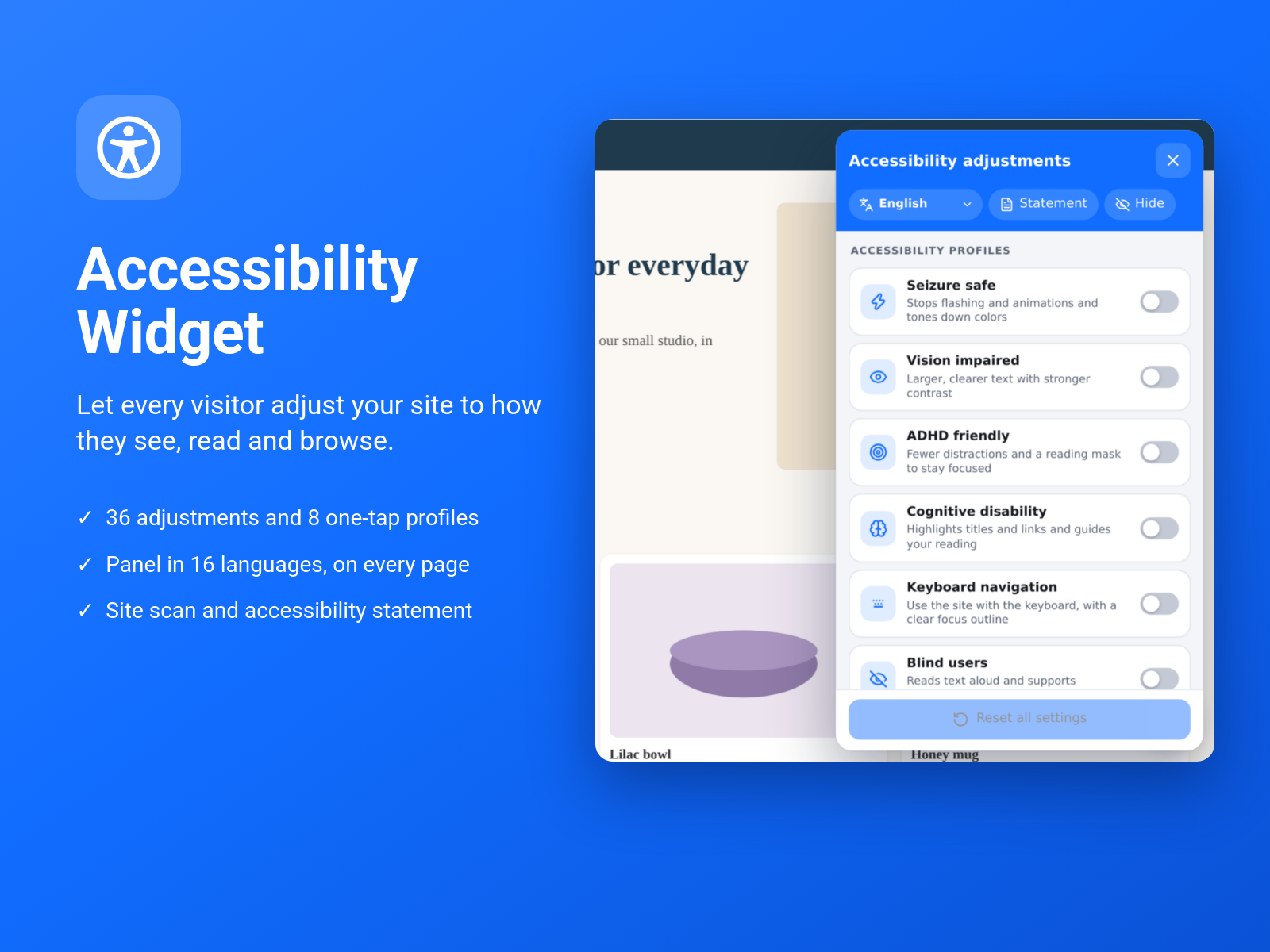
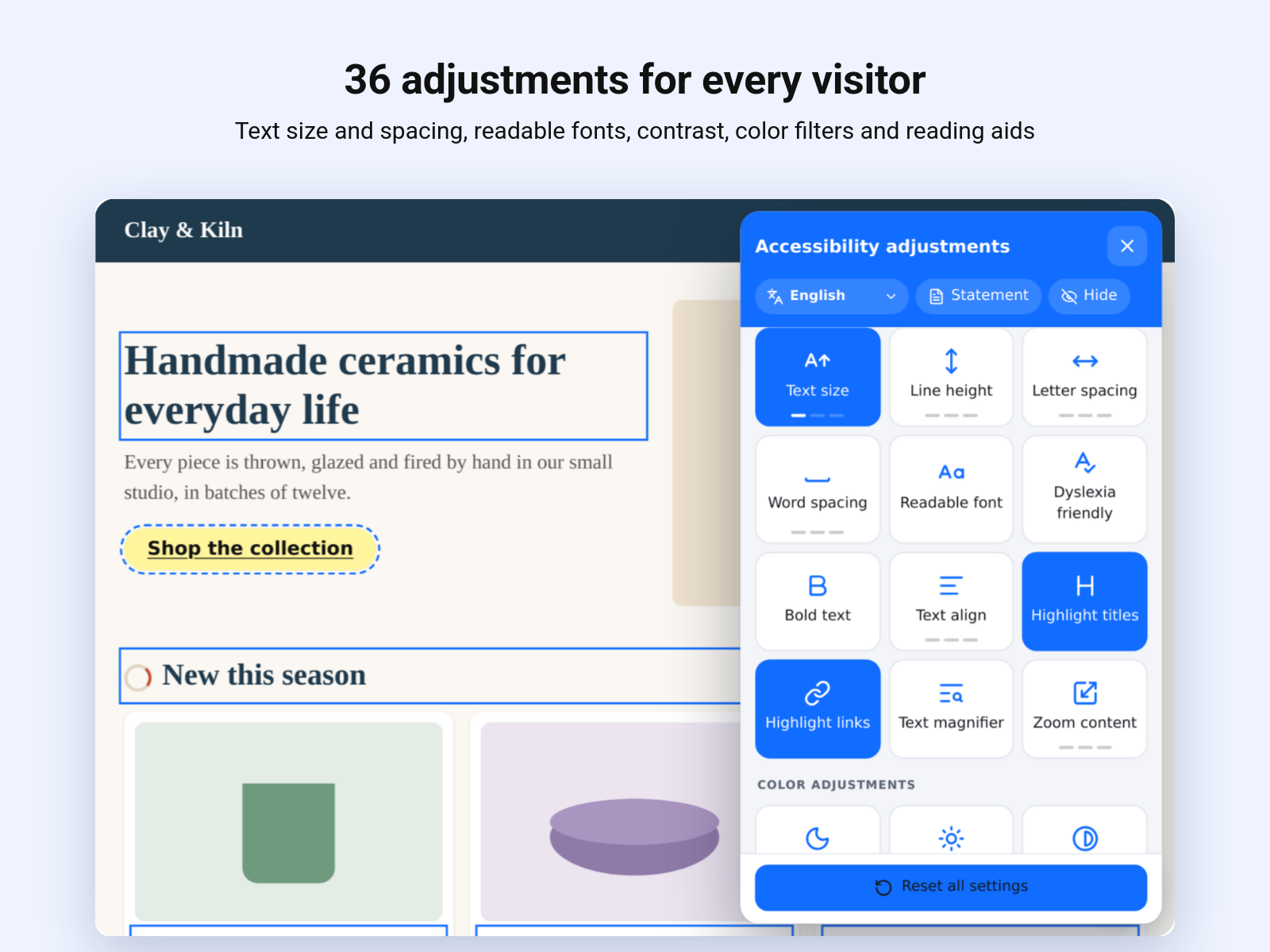
36 adjustments and 8 one-tap profiles for vision, focus and reading needs
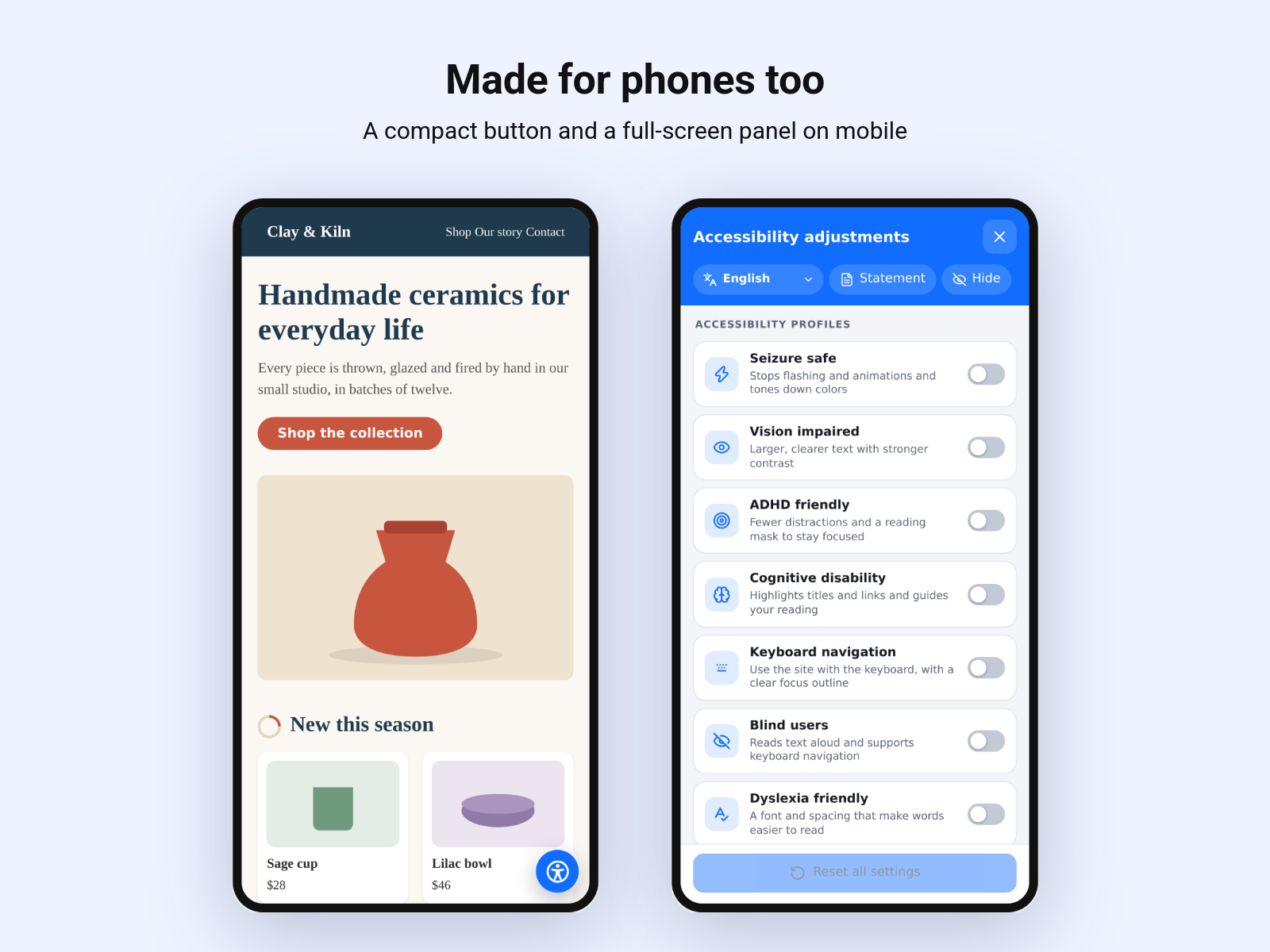
A panel in 16 languages, styled to match your brand
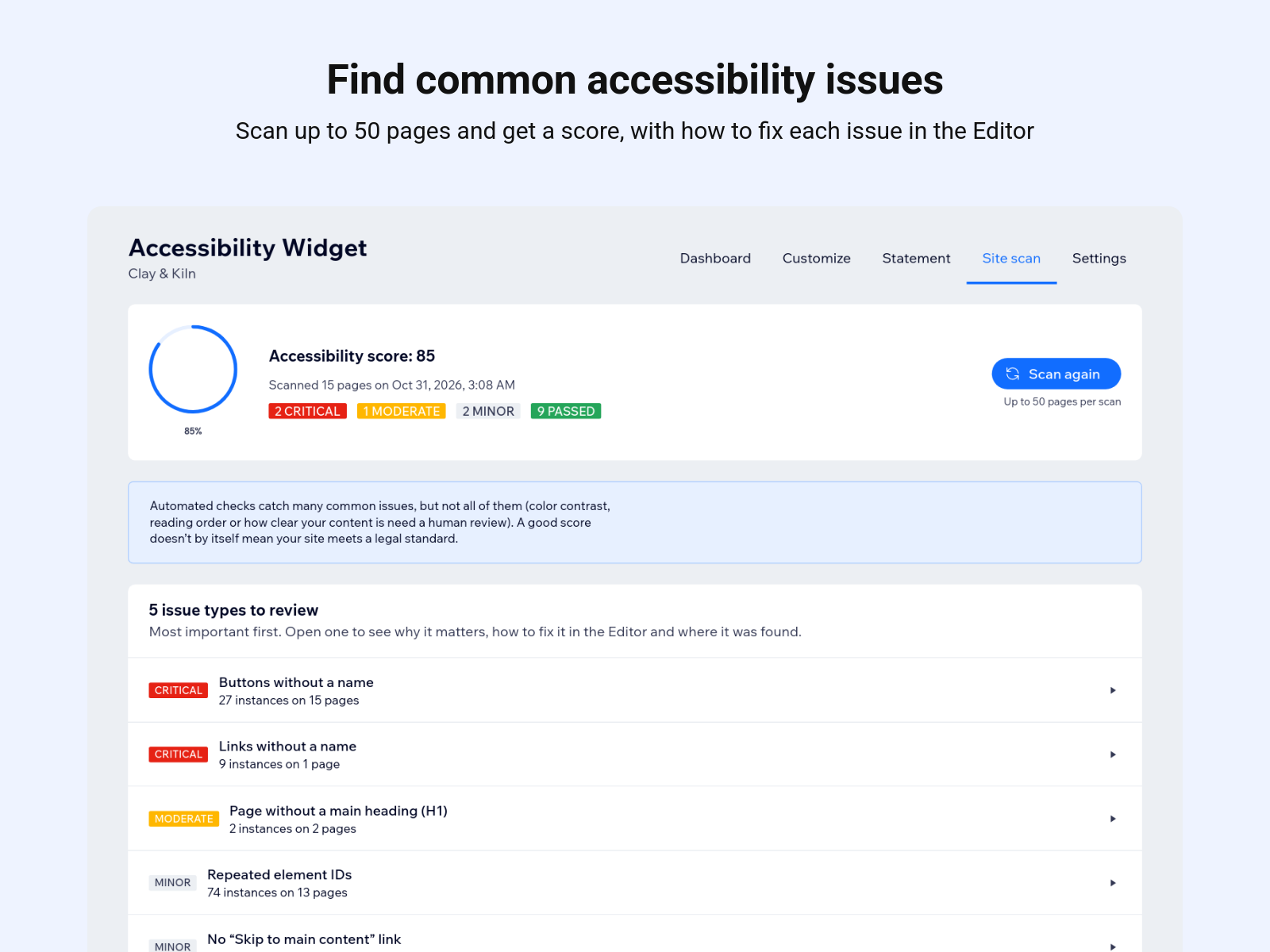
Site scan with a score and how-to-fix tips for the Editor
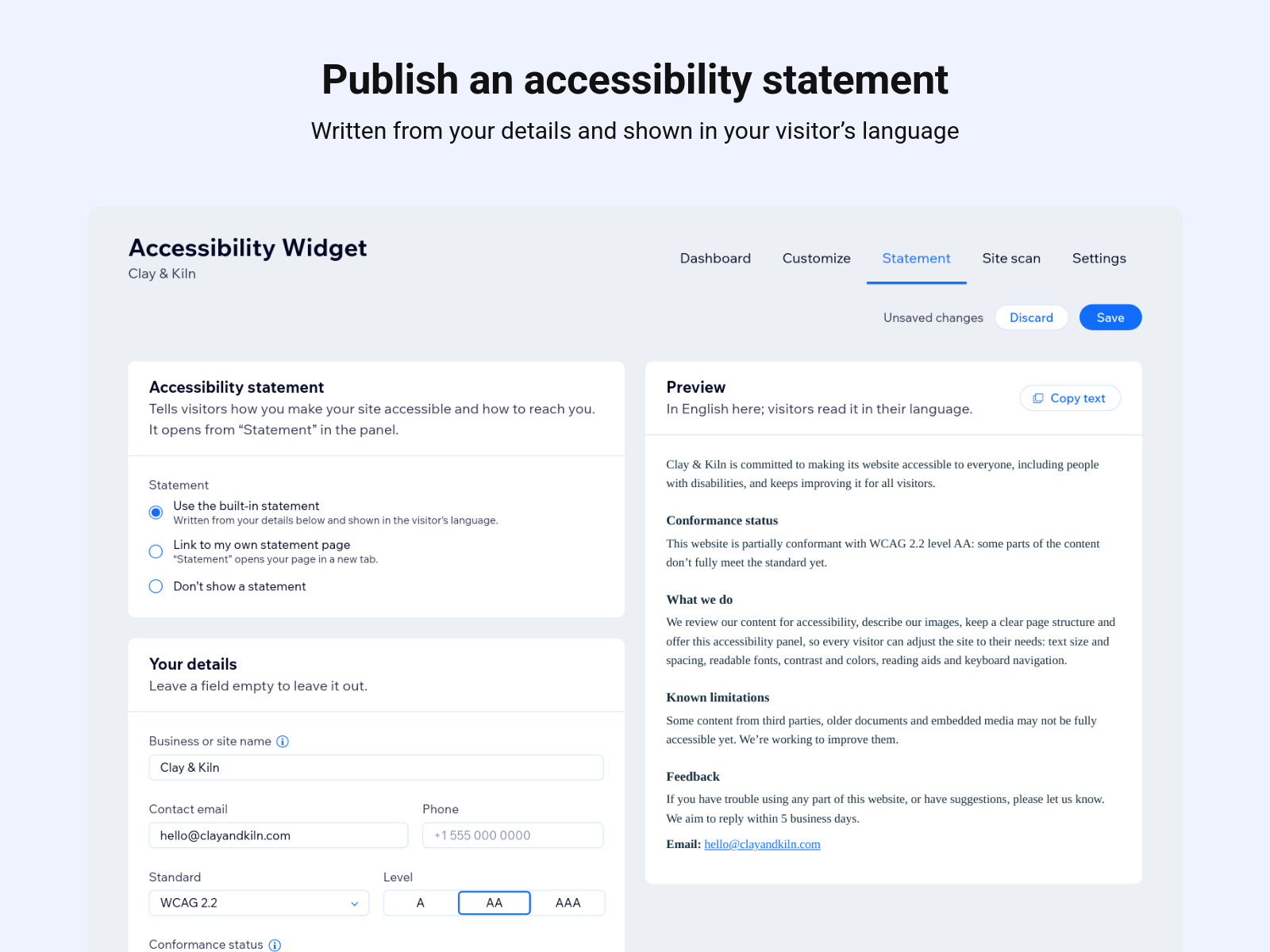
Built-in accessibility statement and automatic fixes for common issues
Accessibility Widget adds an accessibility button to every page of your site. Visitors open it to adjust your site to how they see, read and browse, and their choices carry over from page to page.
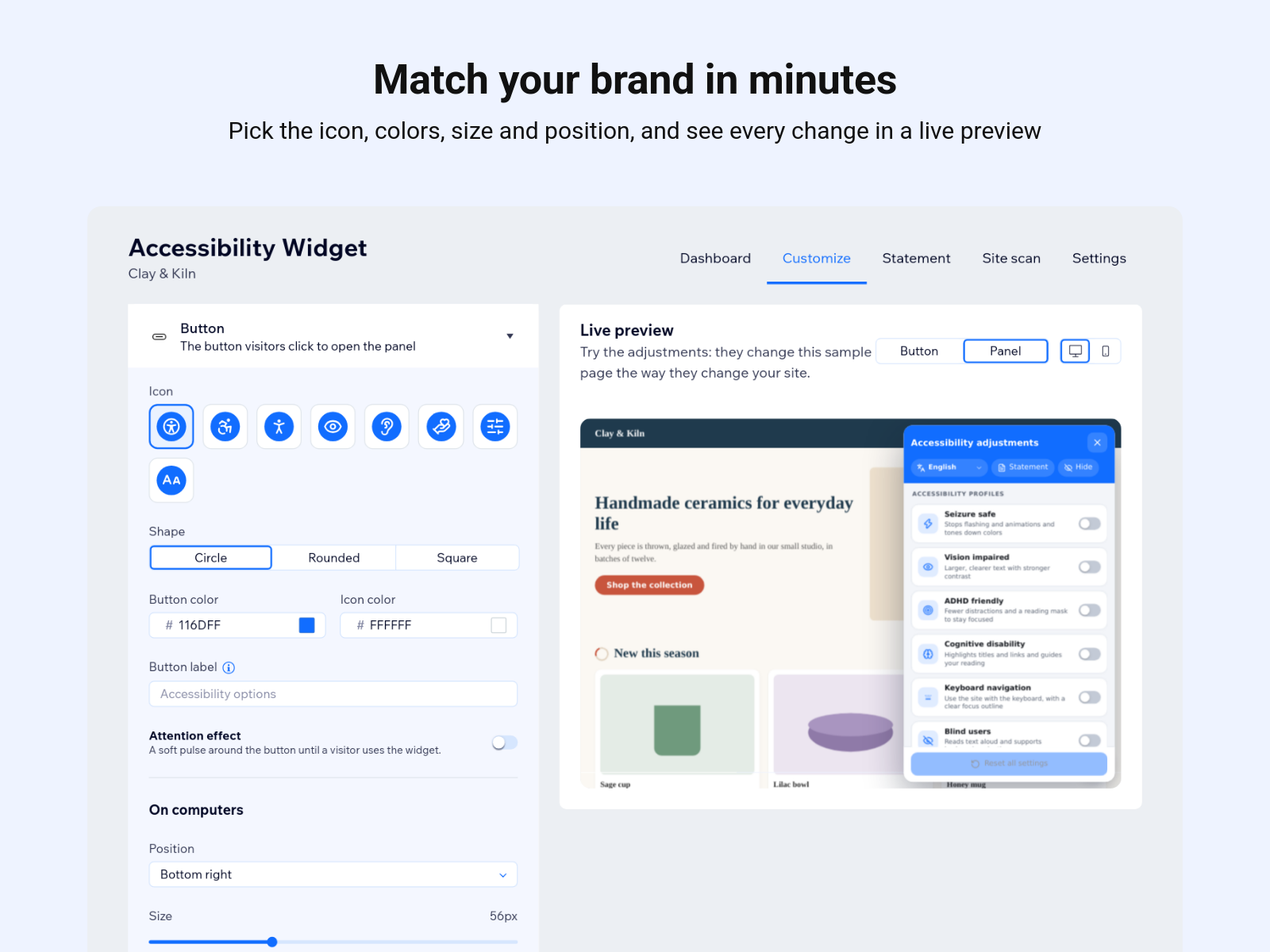
The panel offers 36 adjustments, including text size and spacing, readable and dyslexia-friendly fonts, dark, light and high contrast, color-blindness filters, a reading guide and mask, a bigger cursor, read aloud, keyboard navigation and a reading mode. Eight one-tap profiles, such as Seizure safe, ADHD friendly and Dyslexia friendly, turn on the right set at once.
From the dashboard, pick the icon, colors, size and position, choose which adjustments and languages to offer, and see every change in a live preview. The panel comes in 16 languages.
The site scan checks up to 50 published pages for common issues, like images without descriptions or unnamed buttons, and explains how to fix each one in the Editor. Optional automatic fixes and a built-in accessibility statement complete the set.
The widget helps visitors and points out issues, but on its own it doesn't make a site compliant with any law or standard.