

bettbutikk
Bestillinger
arrangementer
Popup

Booking Form Hub
fra
All booking form answers in one table, CSV ready
Ingen anmeldelser enda
Gratisabonnement tilgjengelig

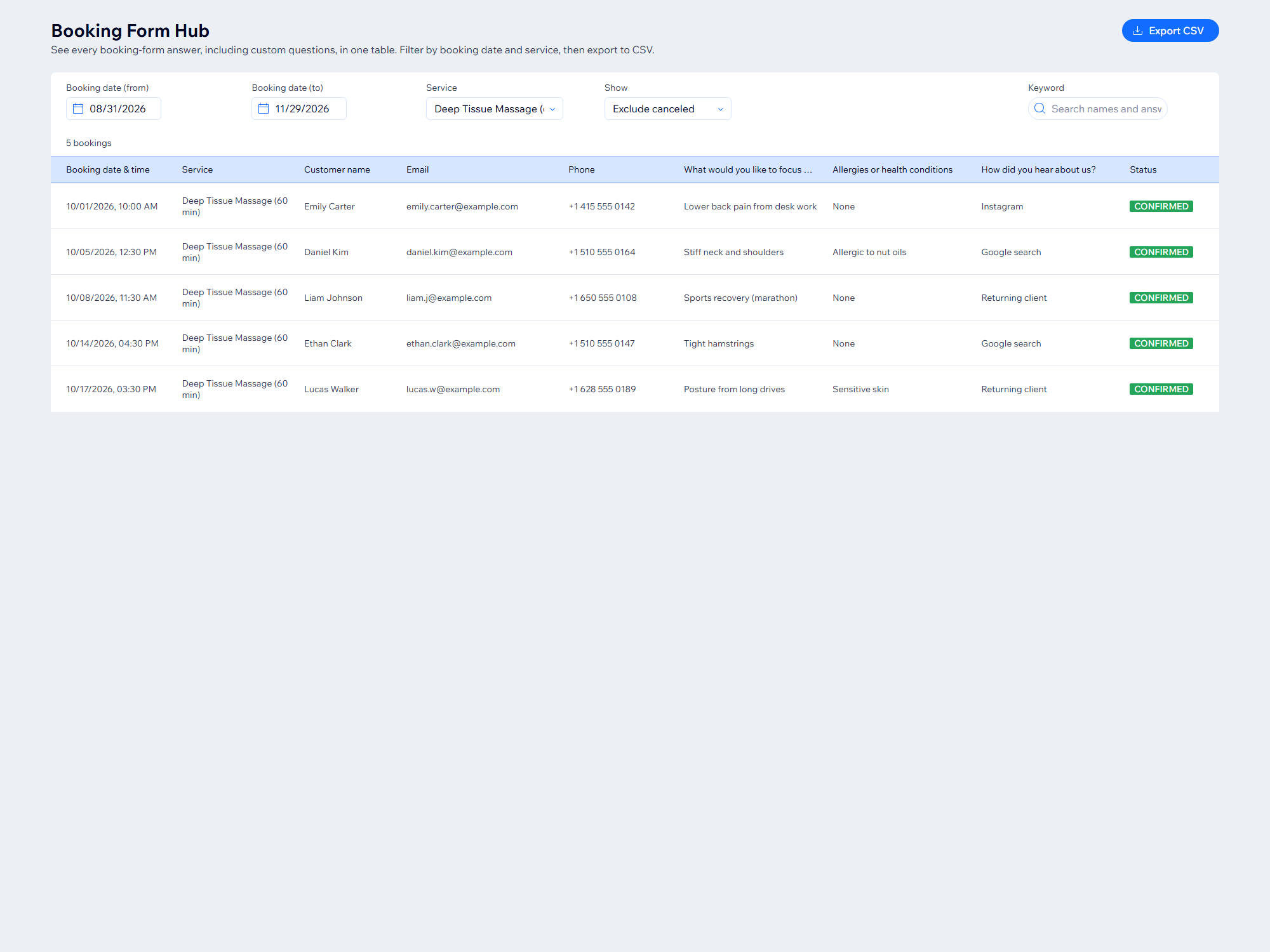
Booking Form Hub oversikt
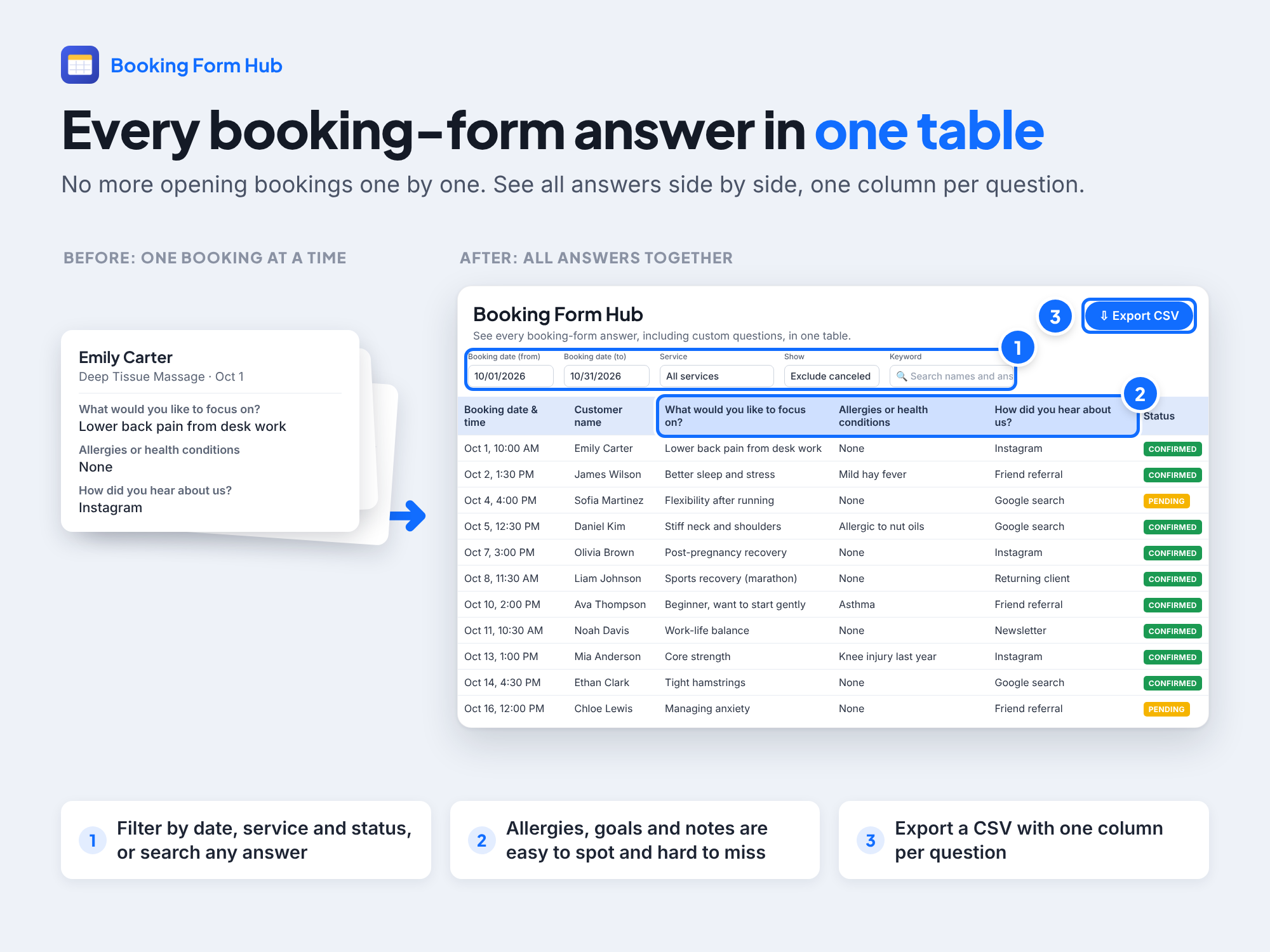
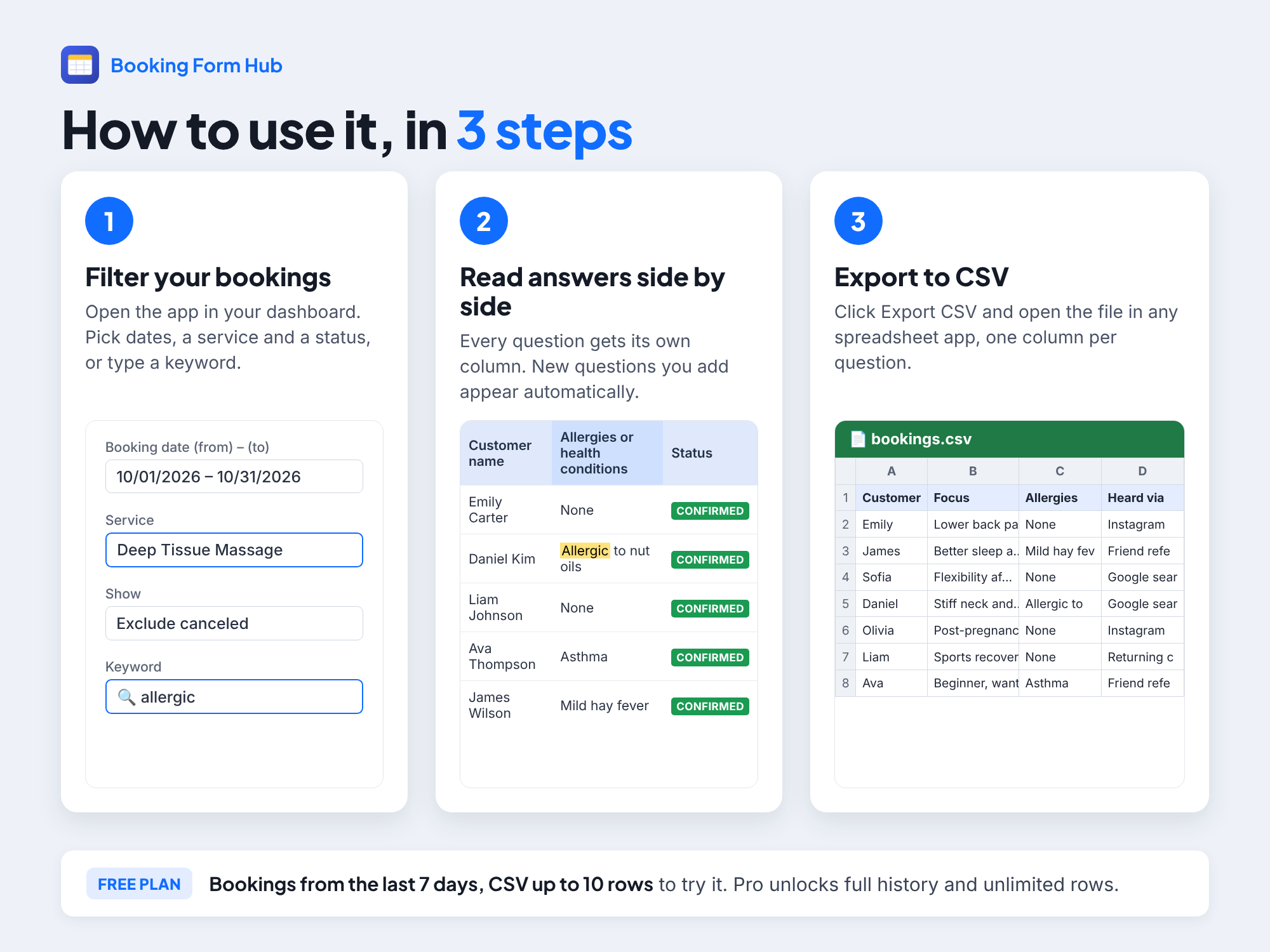
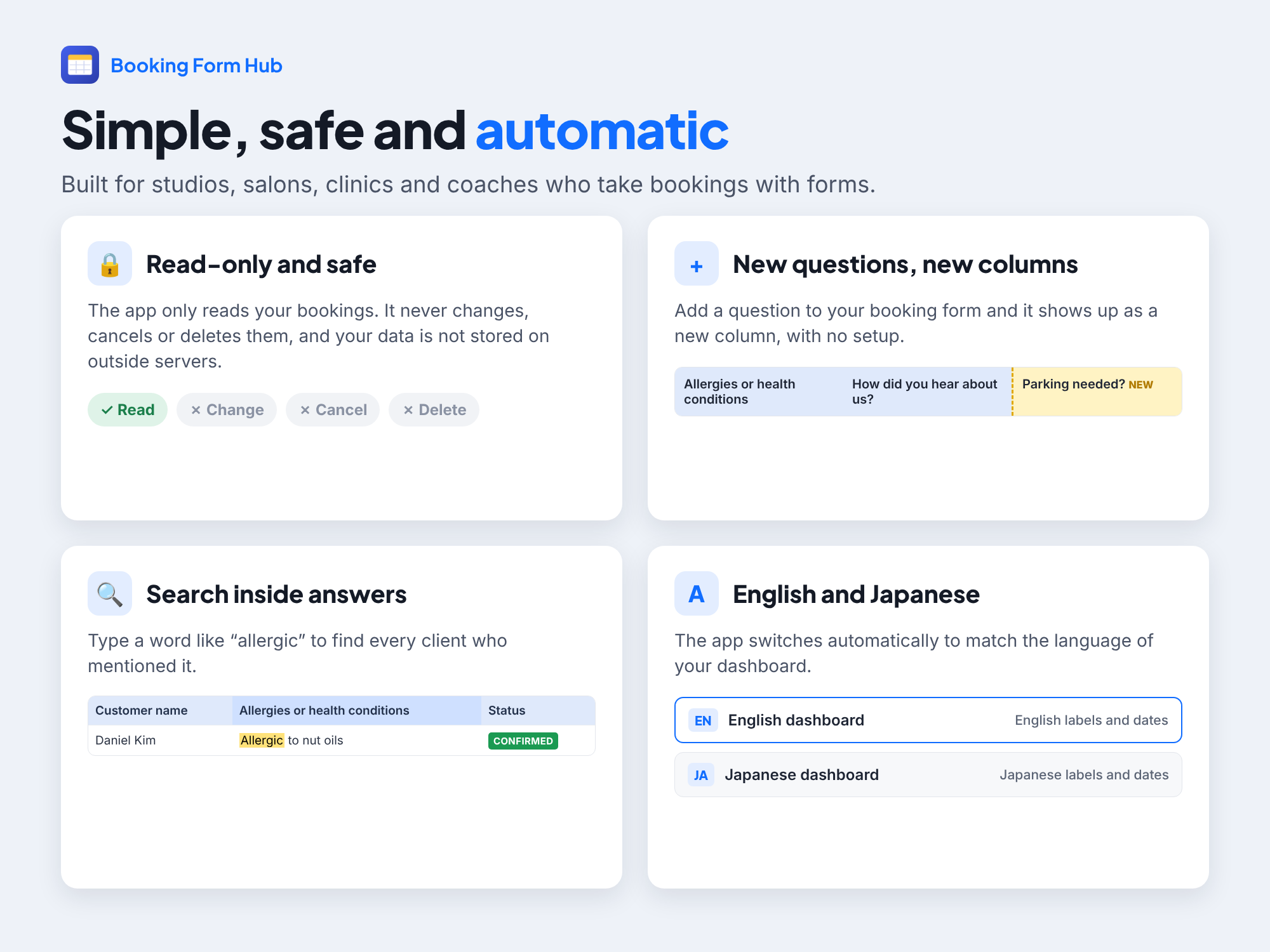
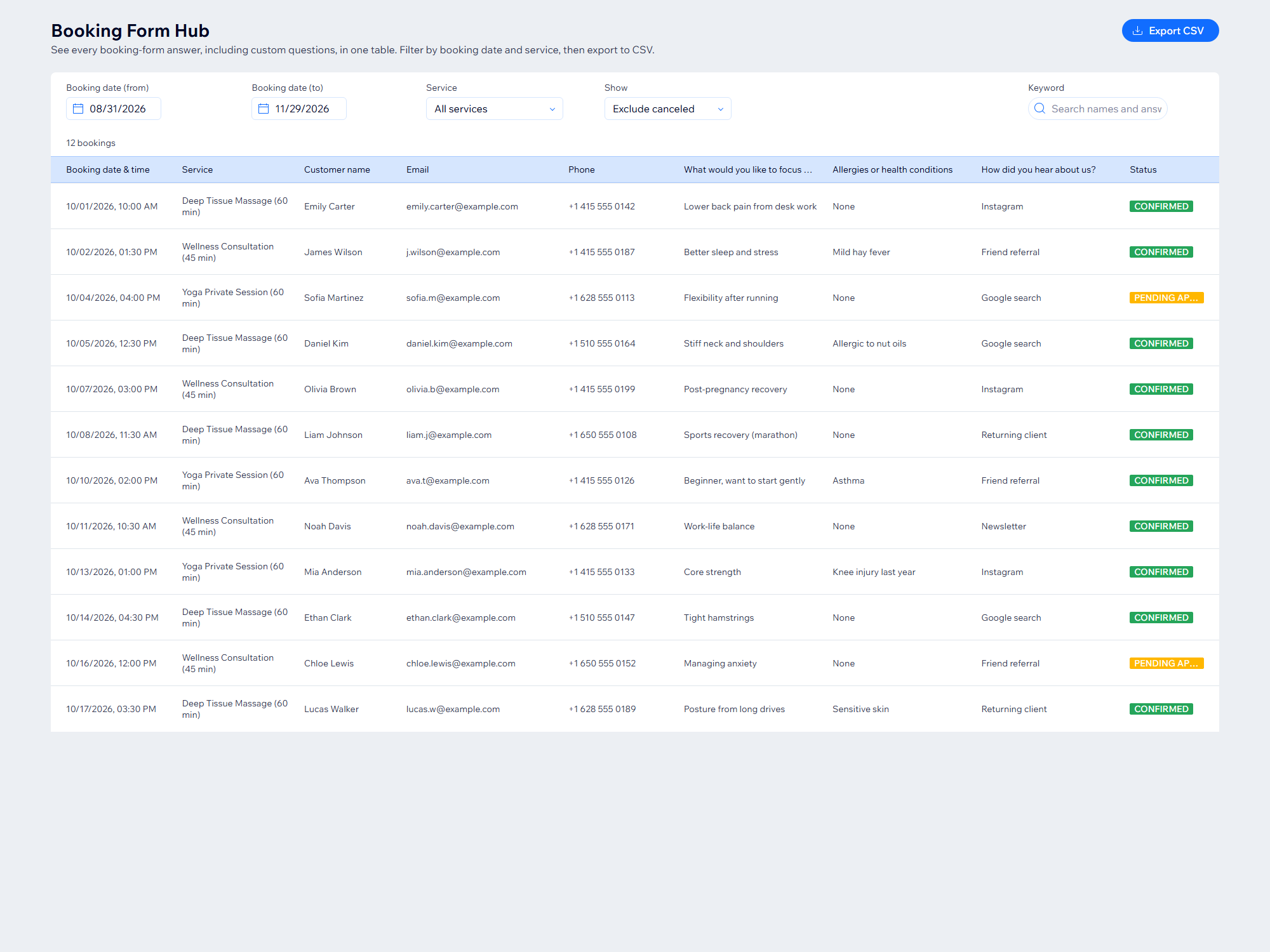
- All booking form answers, including custom questions, in one table
- One CSV column per question, so columns do not shift between forms
- Filter by booking date and service; search names and answers
- Business: spreadsheet file (.xlsx), extra columns, saved views, day sheets
Rangering og anmeldelser
Denne appen har ikke fått noen anmeldelser ennå, vær den første til å rangere den.Priser og pakker
Basic-pakke
Gratis
Bookings from the last 7 days
CSV export up to 10 rows
Filter and keyword search
Pro-pakke
$
5
58
/måned
Full booking history, any date range
CSV export without the 10-row limit
CSV exports beyond the 1,000 on screen
Column per question, filters, search
Business-pakke
$
5
99
/måned
Everything in Pro
Spreadsheet file (.xlsx) export
Staff, payment and guest columns
Day sheets, saved views, totals
* Prisen er i USD.