

bettbutikk
Bestillinger
arrangementer
Popup

Form Autosave
fra
Keep form answers when visitors leave or reload
Ingen anmeldelser enda
Gratisabonnement tilgjengelig

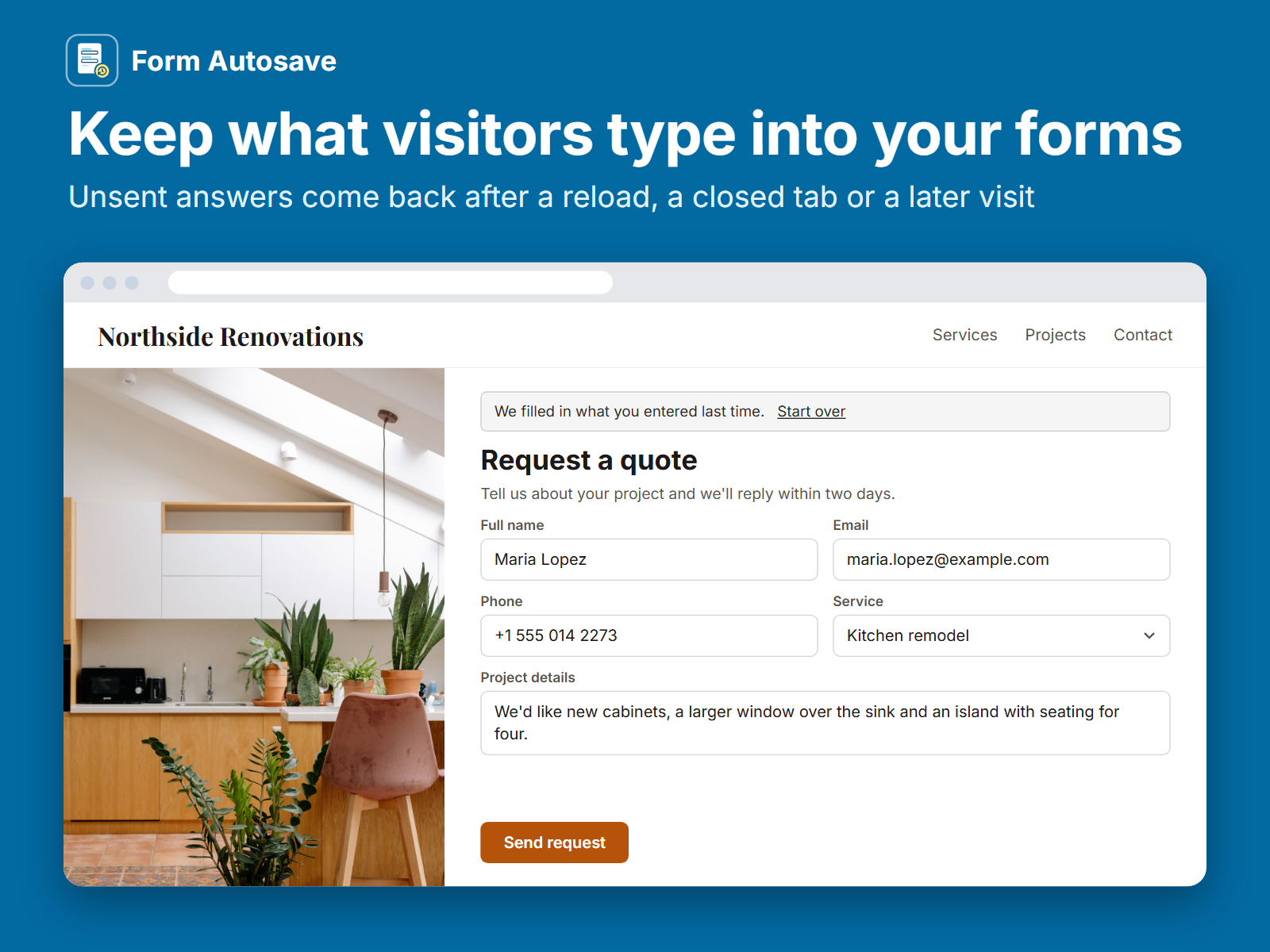
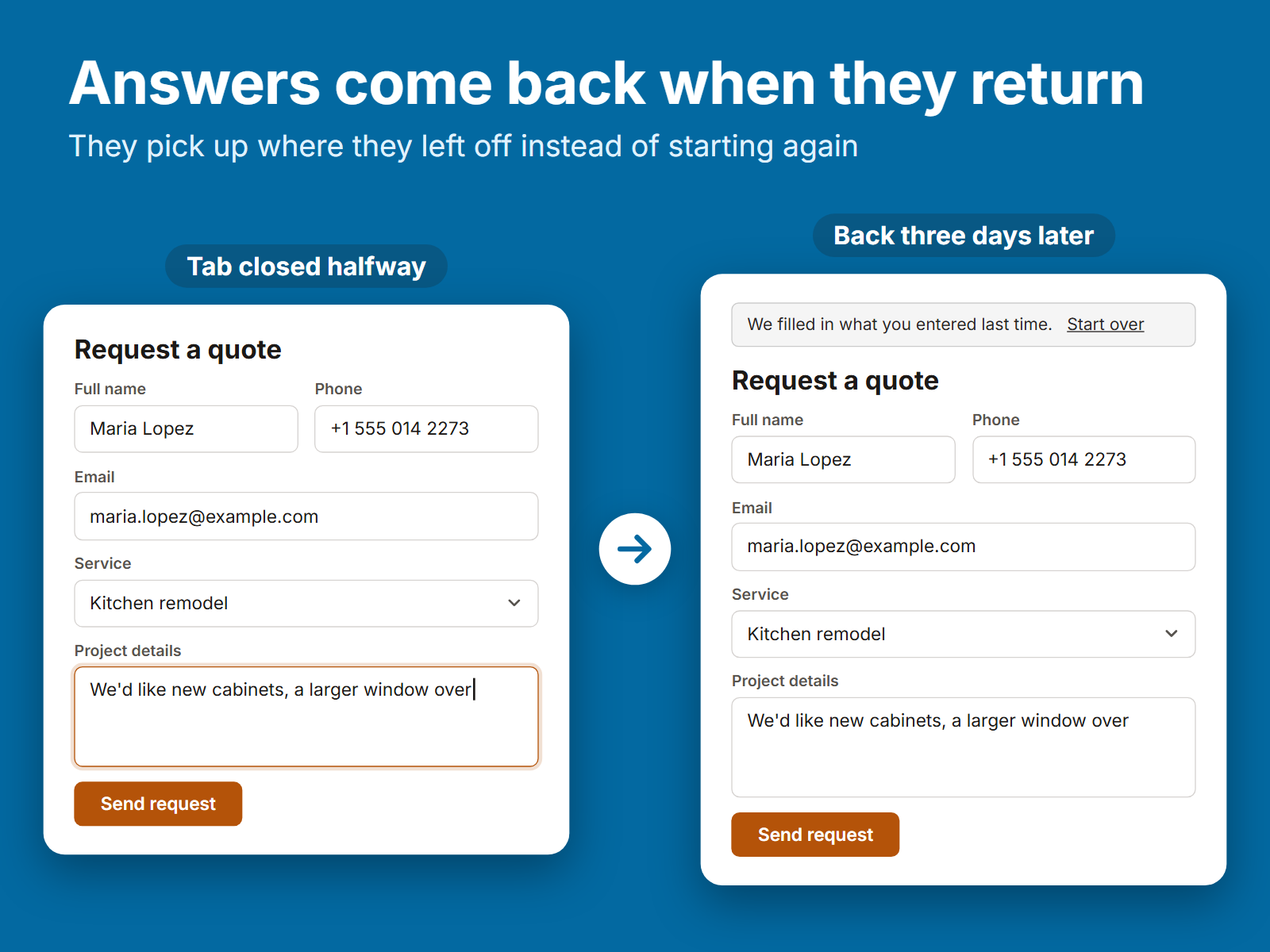
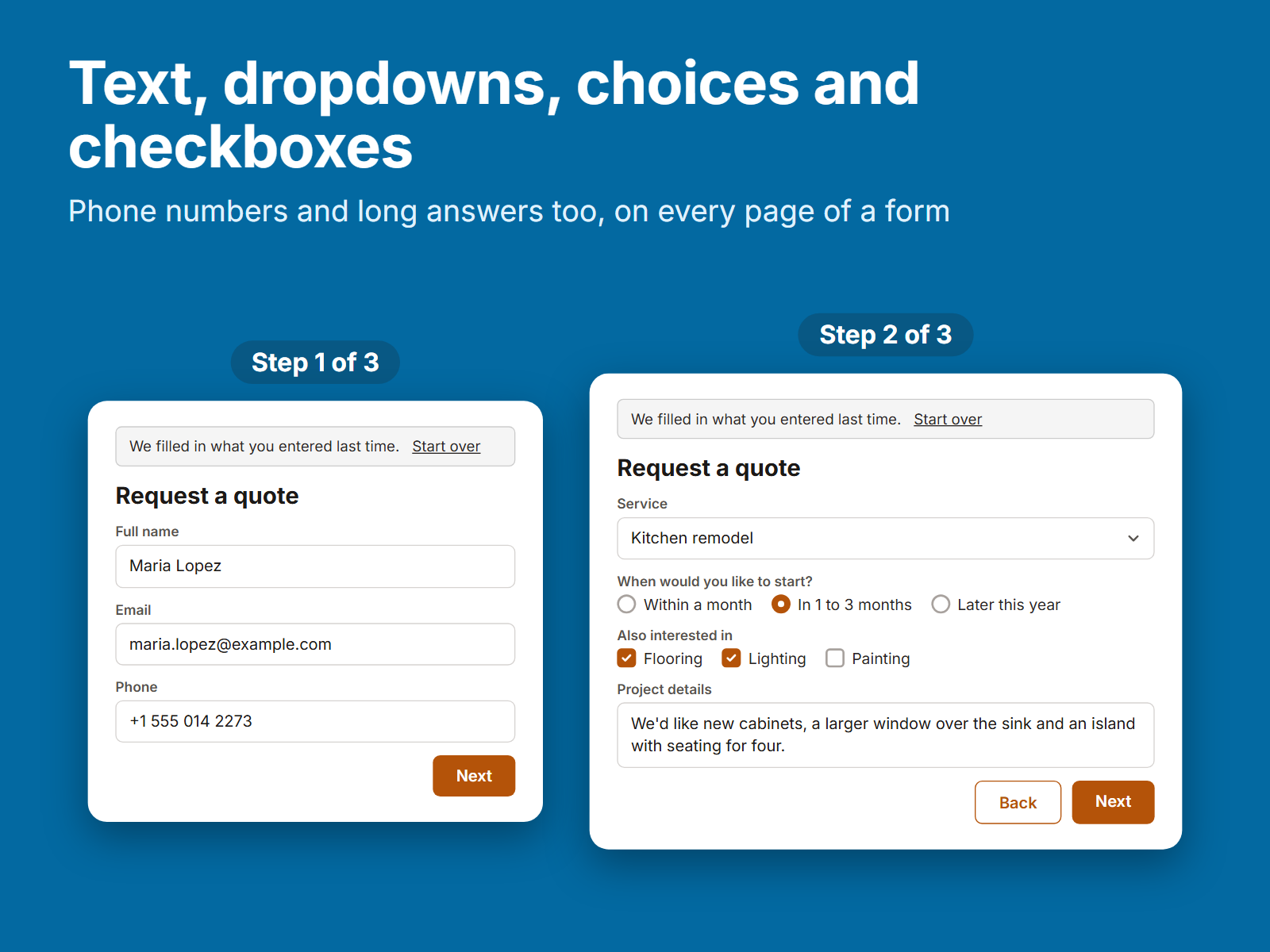
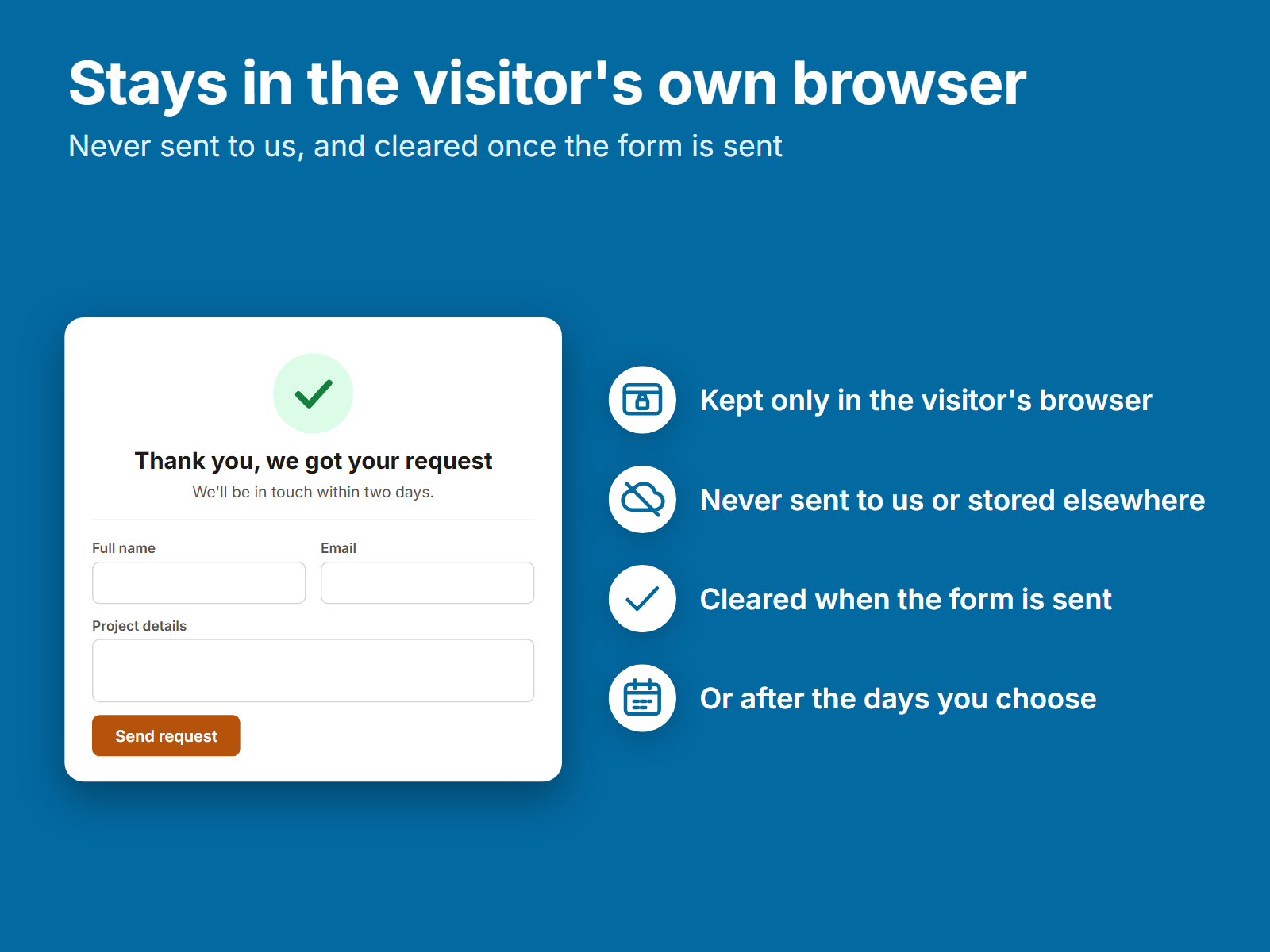
Form Autosave oversikt
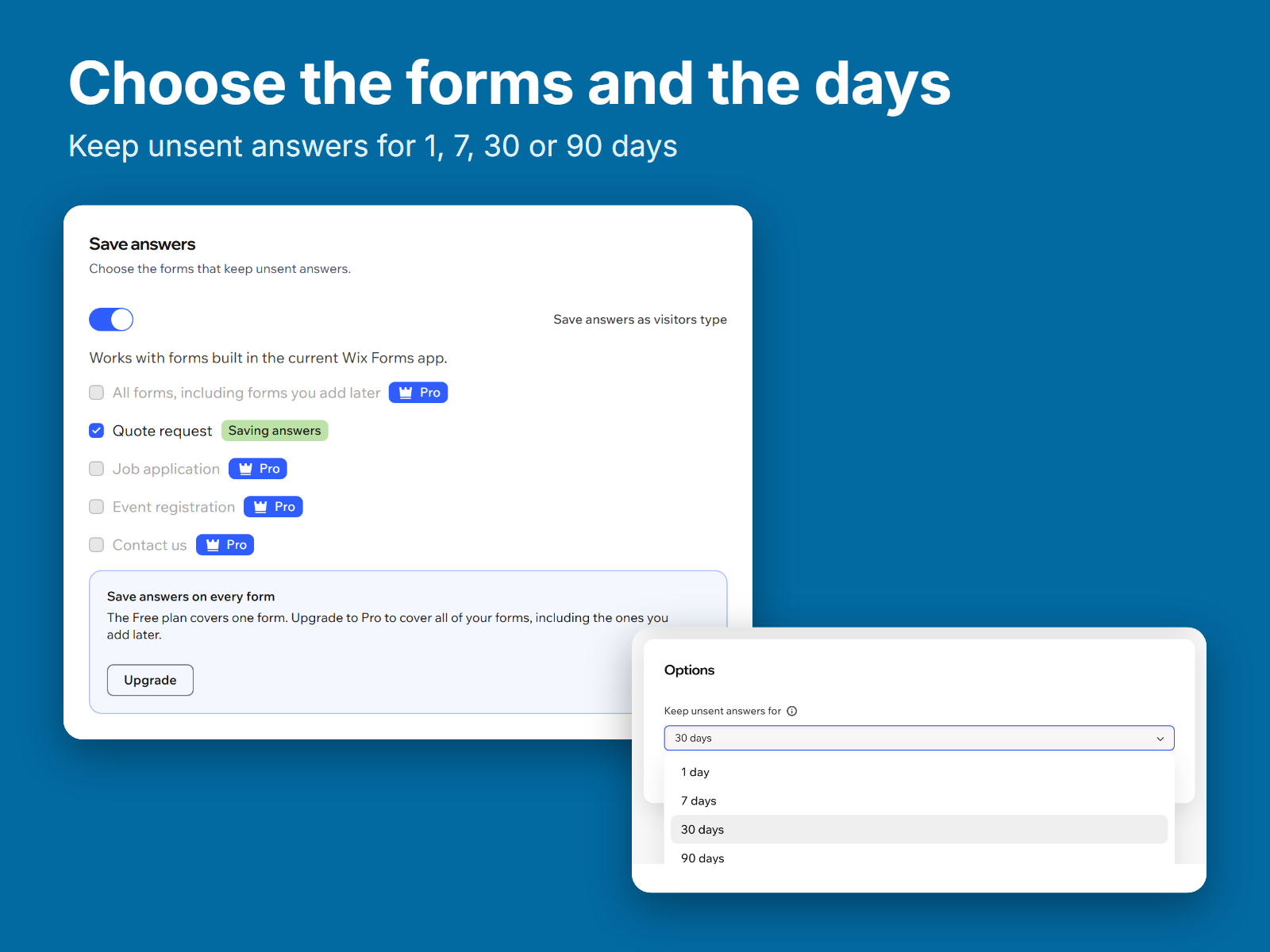
- Unsent form answers come back after a reload, a closed tab or a later visit
- Text, dropdowns, choices, checkboxes and phone numbers, on every form page
- Answers stay in the visitor's own browser and clear once the form is sent
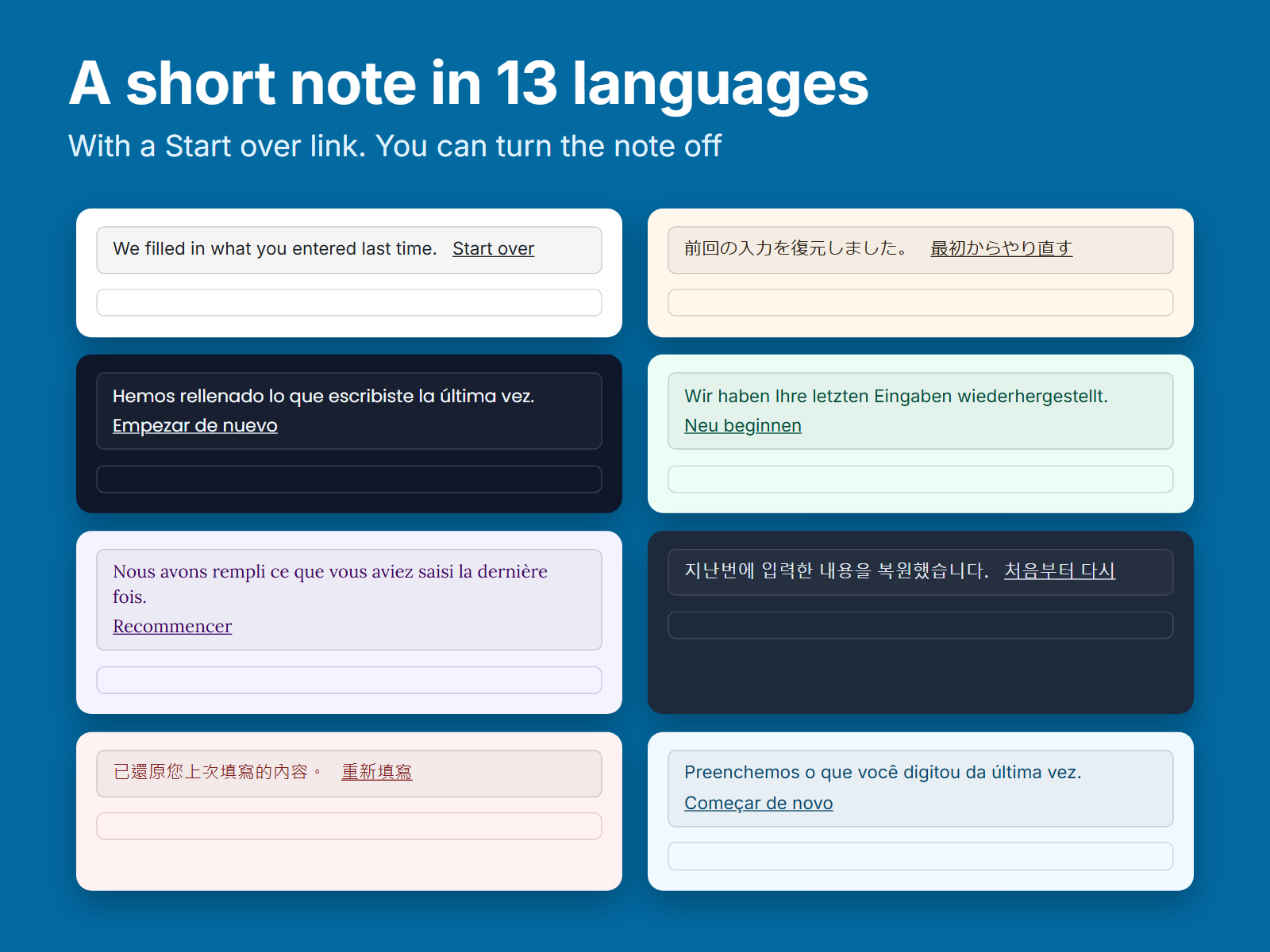
- A short restored note in 13 languages, with a Start over link
Tilgjengelighet:
Denne appen er tilgjengelig over hele verden.Appspråk:
engelsk,
fransk,
italiensk,
japansk,
kinesisk,
koreansk,
nederlandsk,
polsk,
portugisisk,
russisk,
spansk,
tyrkisk,
tysk
Fremhevet i
Nyeste apper
Rangering og anmeldelser
Denne appen har ikke fått noen anmeldelser ennå, vær den første til å rangere den.Priser og pakker
Basic-pakke
Gratis
One form with every option
Answers back after reload or return
Restored note in 13 languages
Keep answers for 1 to 90 days
Pro-pakke
$
5
59
/måned
Everything in Basic
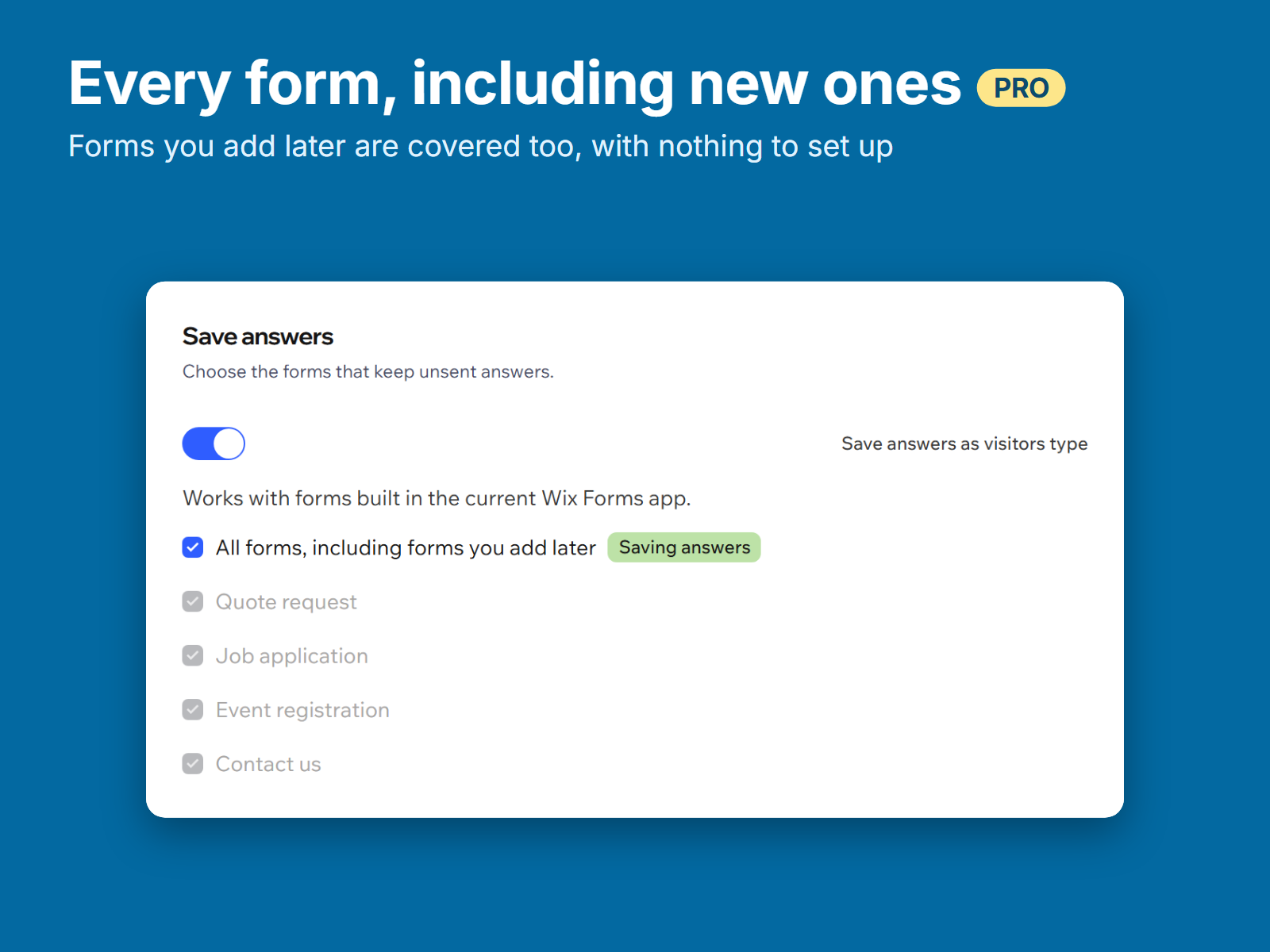
All forms in the Forms app
New forms covered as you add them
Choose several forms or all
* Prisen er i USD.