

bettbutikk
Bestillinger
arrangementer
Popup

CMS Form Dropdown Sync
fra
Sync CMS choices to form dropdowns
Ingen anmeldelser enda
14 dagers gratis prøveperiode

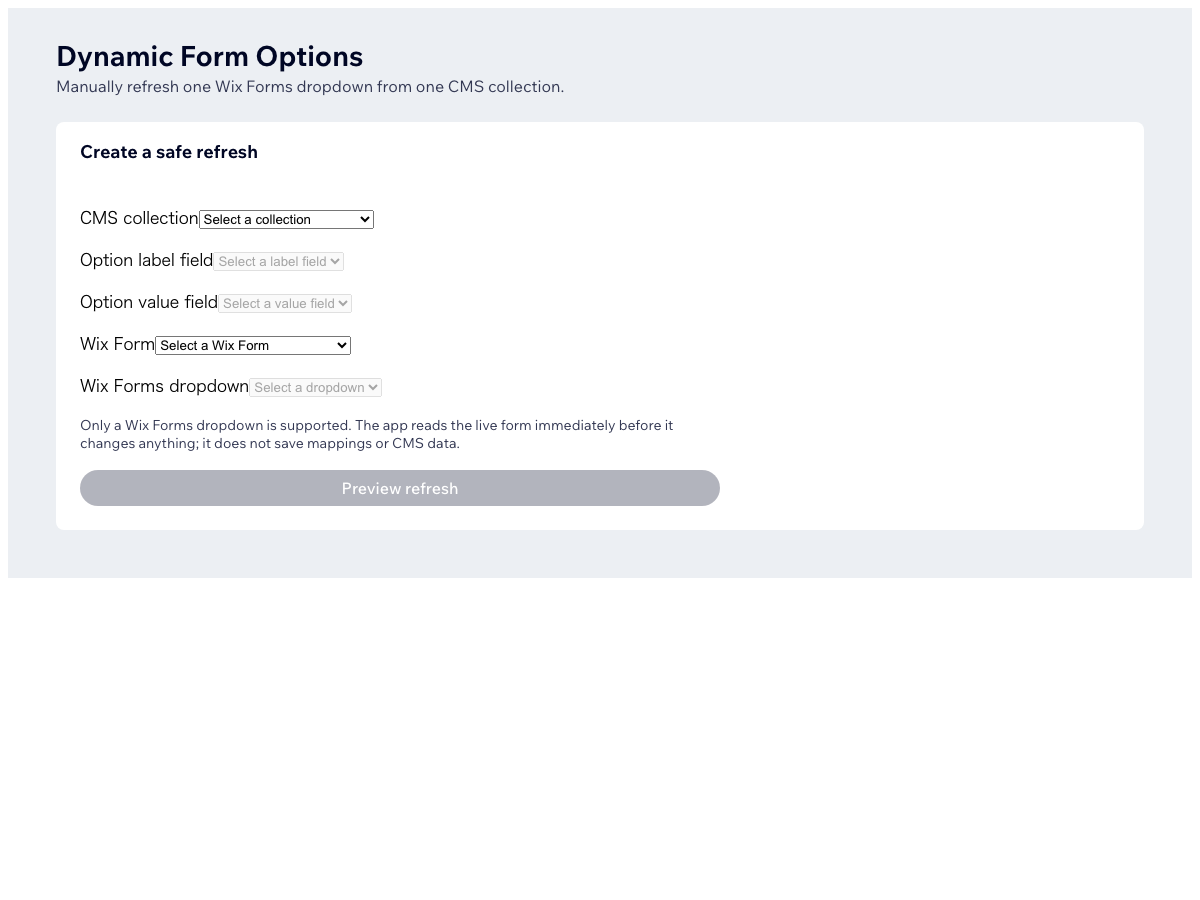
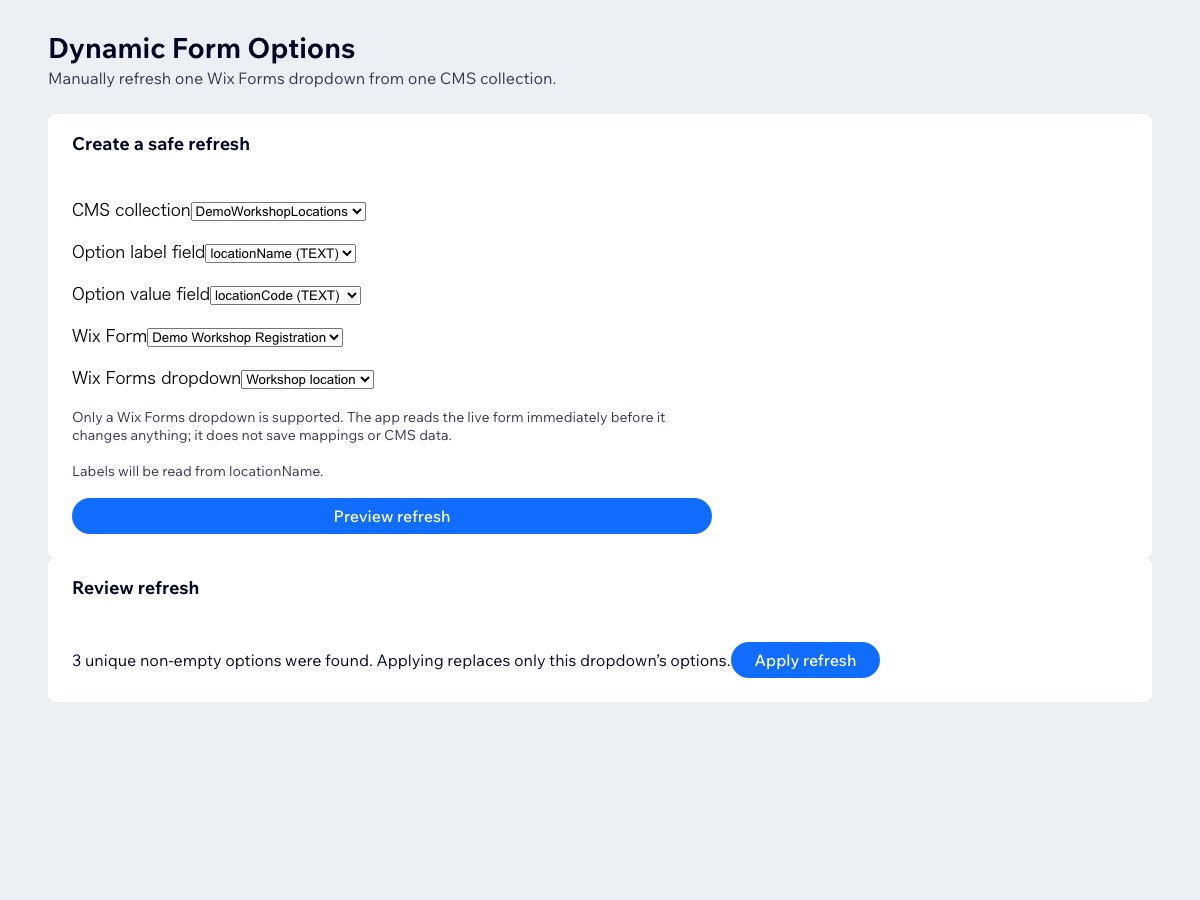
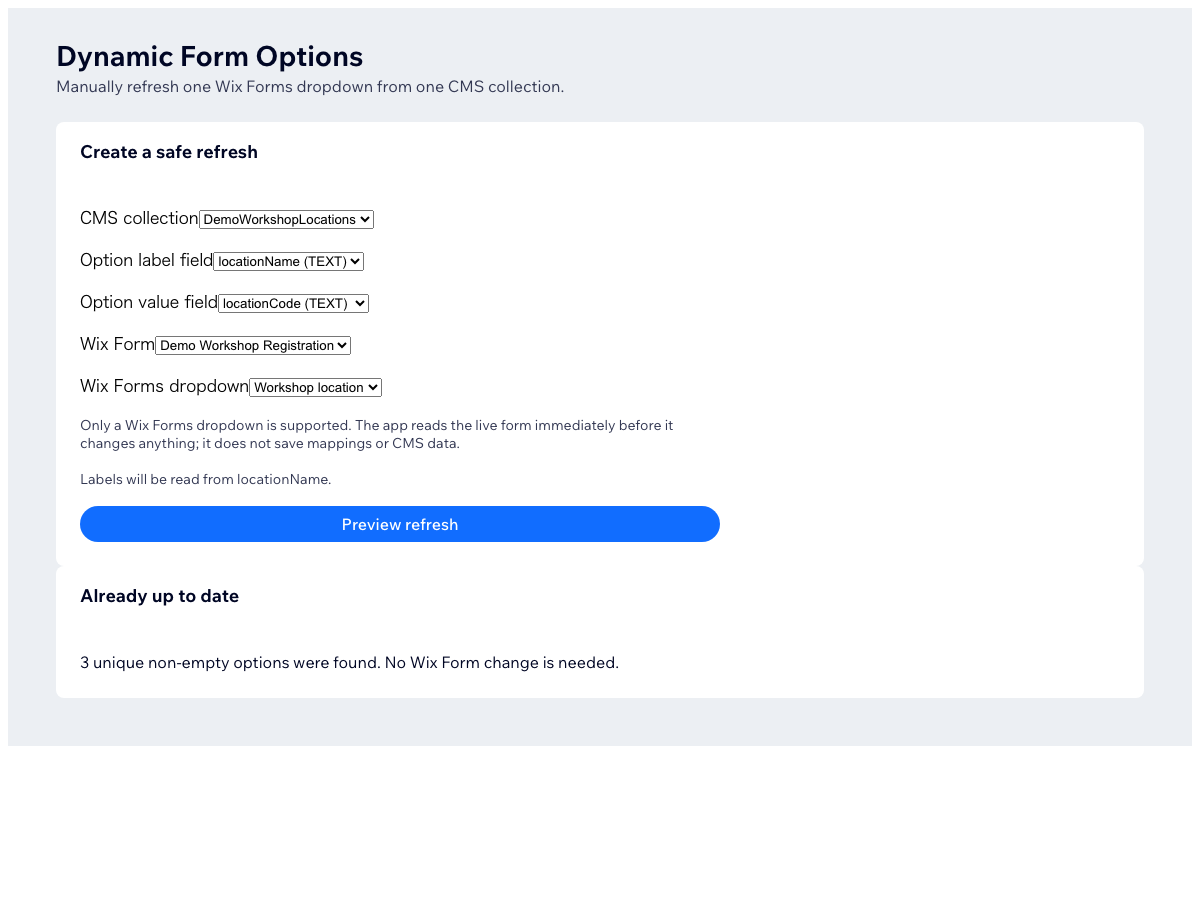
CMS Form Dropdown Sync oversikt
- Keep dropdown choices in one CMS source
- Preview every choice before applying
- Update one selected form dropdown
- Stop maintaining the same choices twice
Rangering og anmeldelser
Denne appen har ikke fått noen anmeldelser ennå, vær den første til å rangere den.Priser og pakker
Denne appen tilbyr en 14-dagers gratis prøveperiodePremium-pakke
$
5
75
/måned
Choose CMS label and value fields
Preview options before applying
Update one selected form dropdown
Checks source data before applying
* Prisen er i USD.