

bettbutikk
Bestillinger
arrangementer
Popup

Entry List: Event Guests
fra
Entry list of your event guests, by division
Ingen anmeldelser enda
Gratisabonnement tilgjengelig

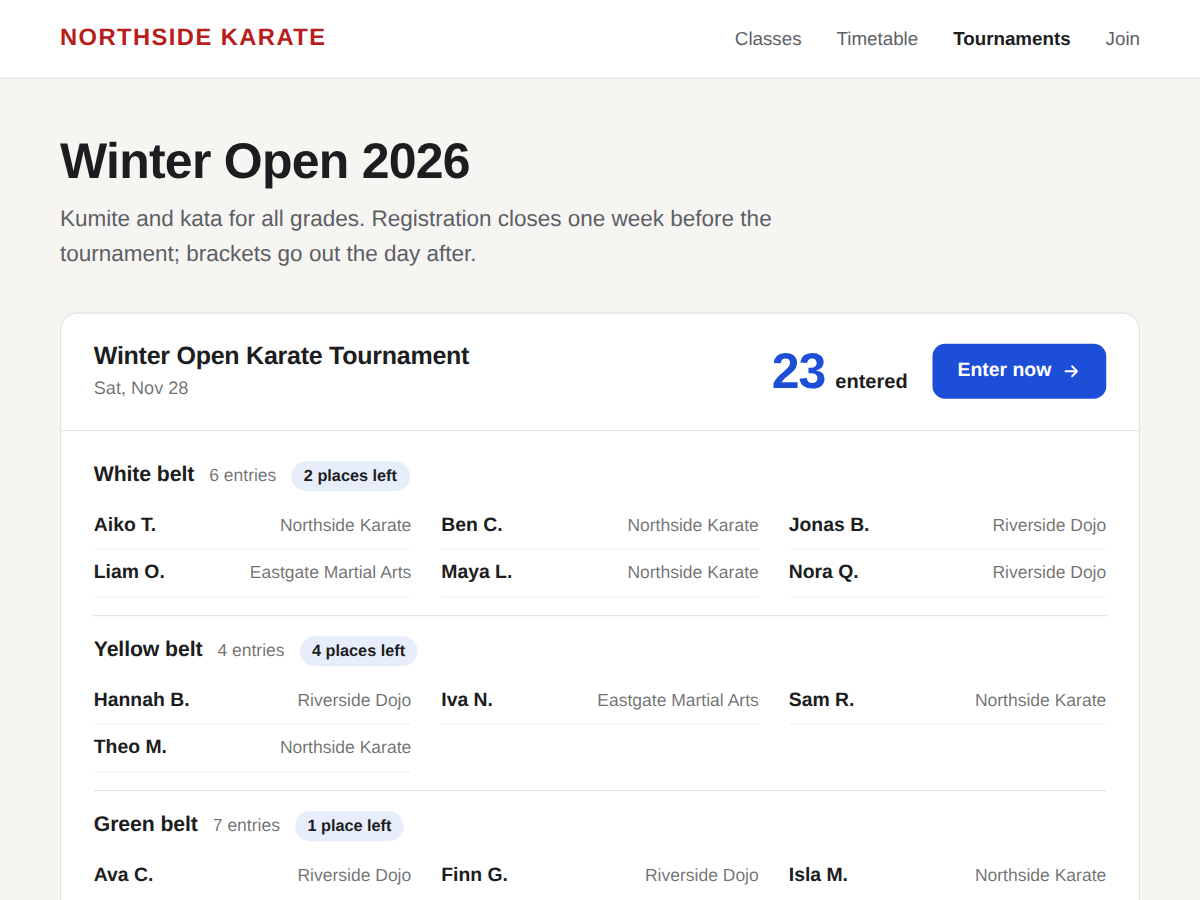
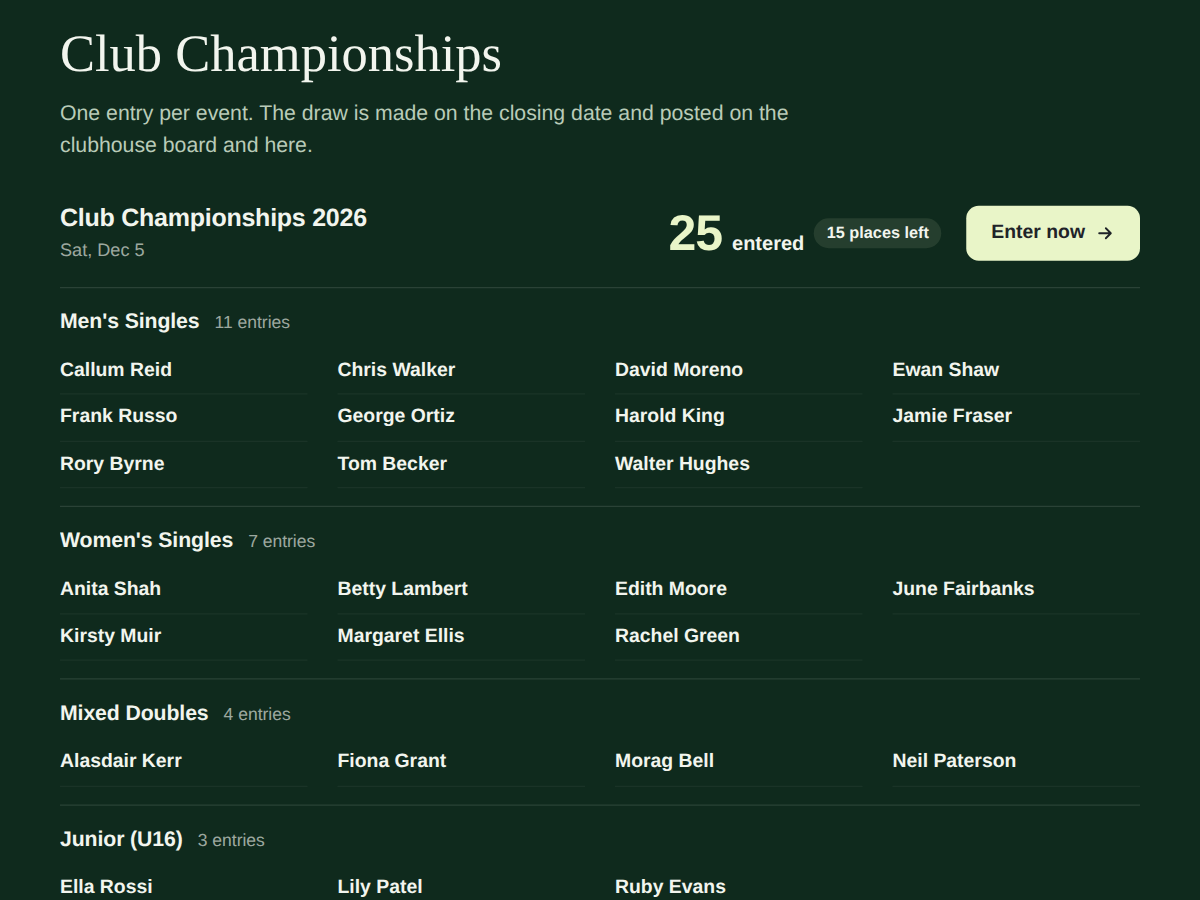
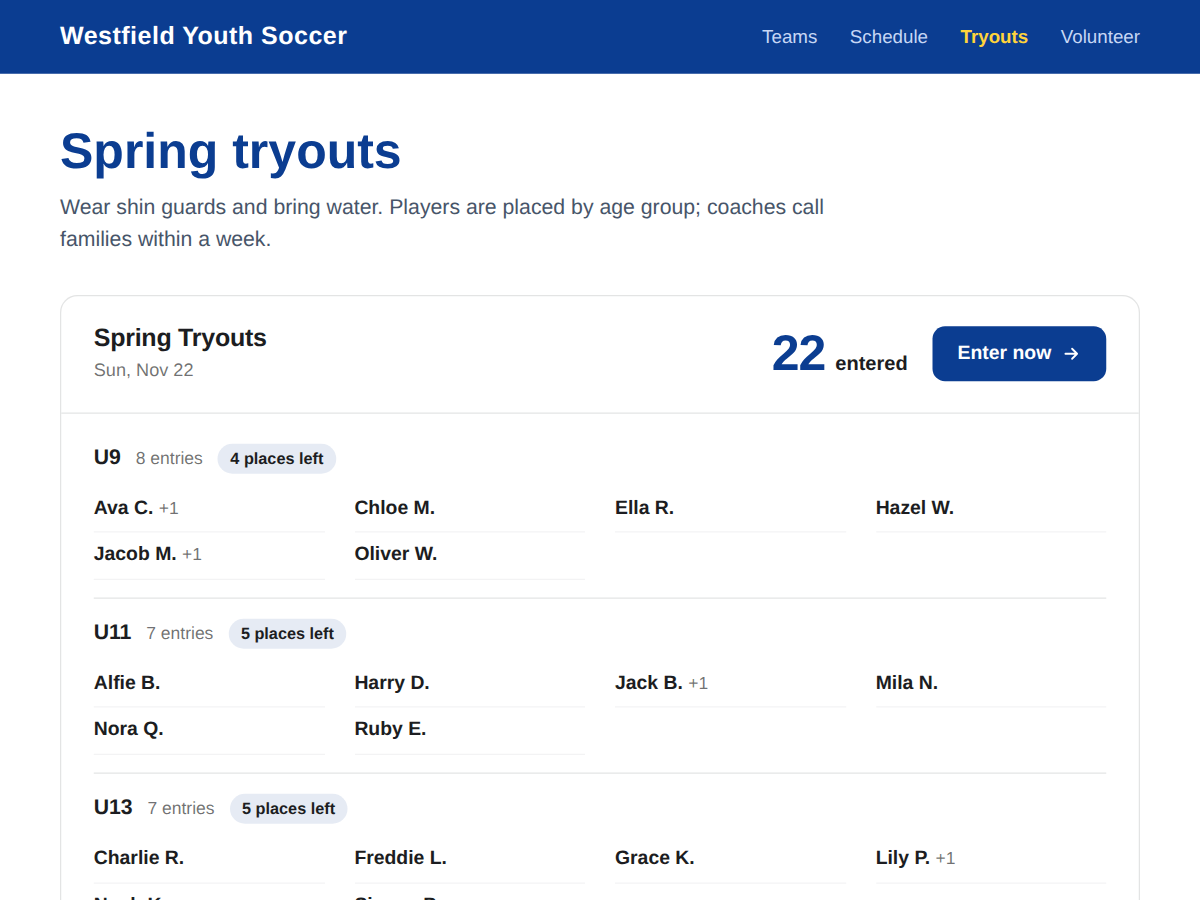
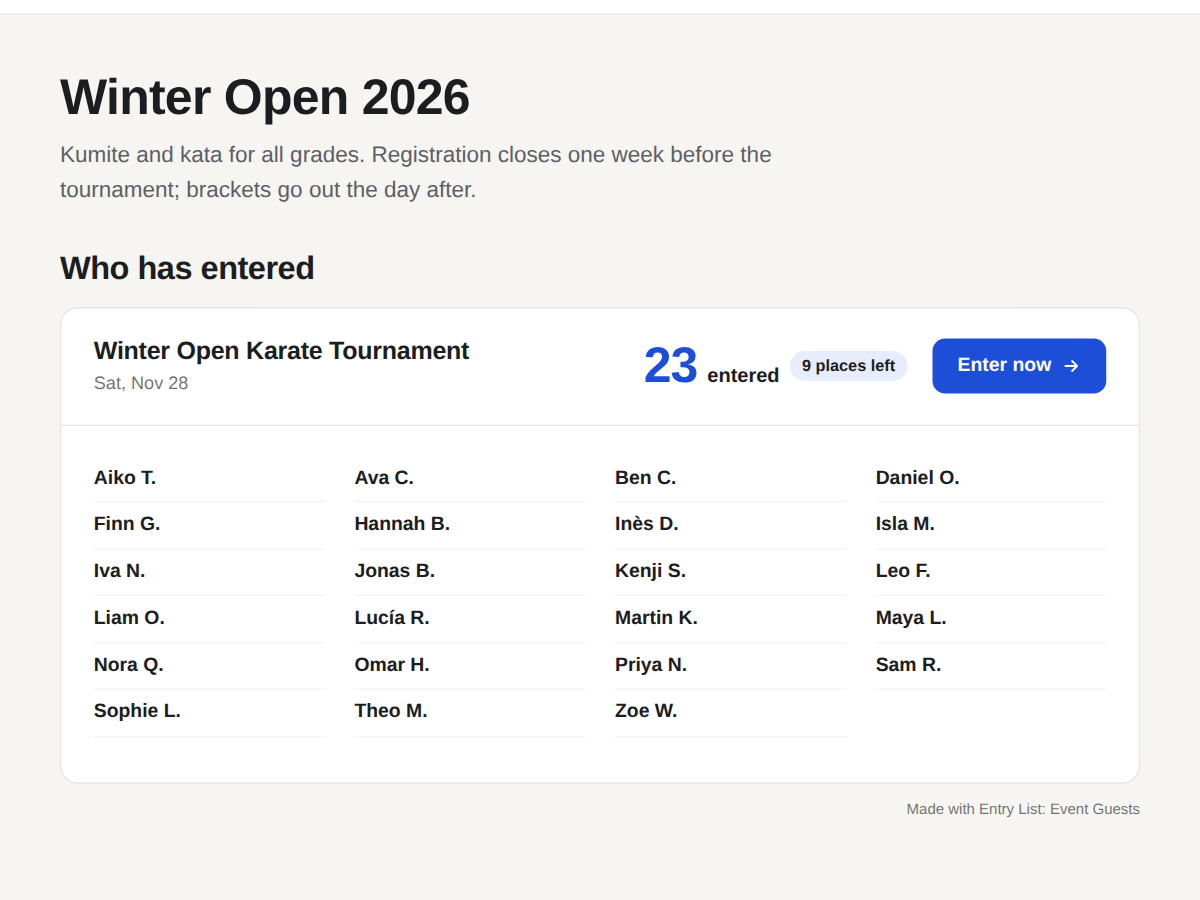
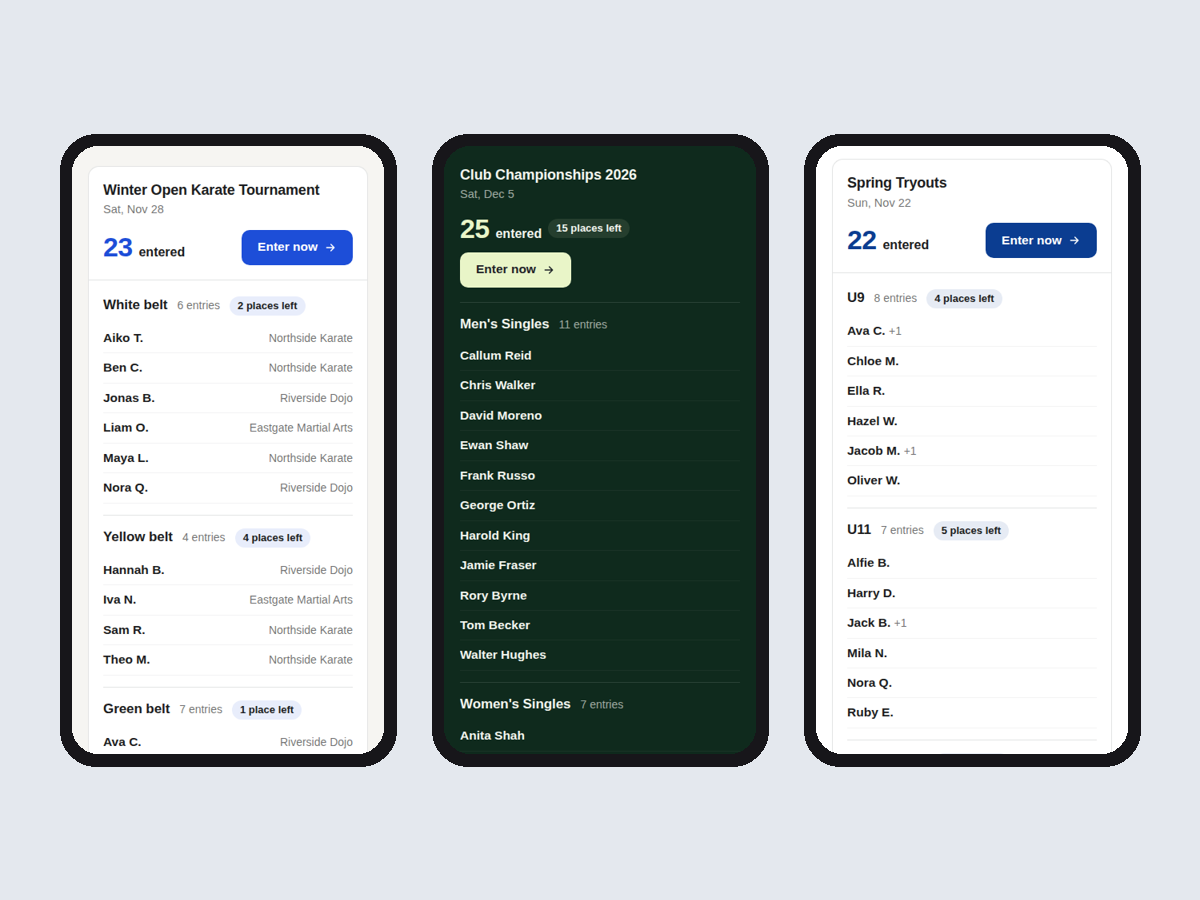
Entry List: Event Guests oversikt
- New registrations show up by themselves
- Names as Maya L., full name or counts only
- Group by belt, age group or ticket (Premium)
- Places left per group and an Enter now button
Rangering og anmeldelser
Denne appen har ikke fått noen anmeldelser ennå, vær den første til å rangere den.Priser og pakker
Basic-pakke
Gratis
One event, live entry list
Names as Maya L. or counts only
Club or team column
Small credit link
Premium-pakke
$
3
20
/måned
Group by division or ticket type
Places left per group
Up to 6 events as tabs
Remove the credit link
* Prisen er i USD.